AI Story Timeline Builder for WordPress

TimeLineX AI Story Timeline Builder

Create beautiful AI-powered story timelines in WordPress with TimelineX AI. Supports Elementor, Gutenberg, shortcodes, horizontal & vertical layouts, and smart AI story generation.

TimelineX AI – Story Timeline Builder is a powerful WordPress timeline plugin that lets you create beautiful, interactive, and fully customizable timelines in minutes. Generate timeline stories instantly with AI, choose from multiple layouts, and build engaging story experiences without coding.
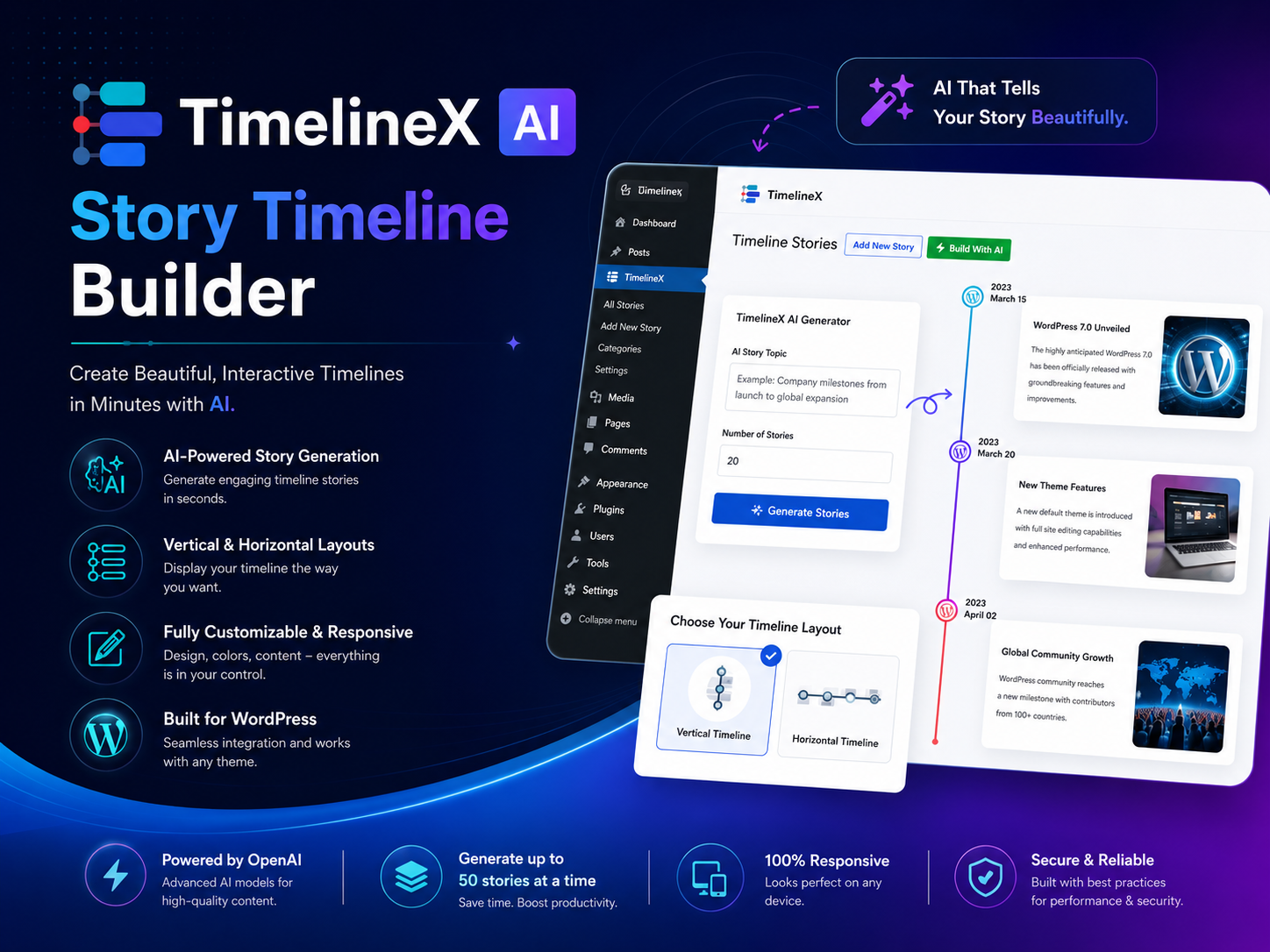
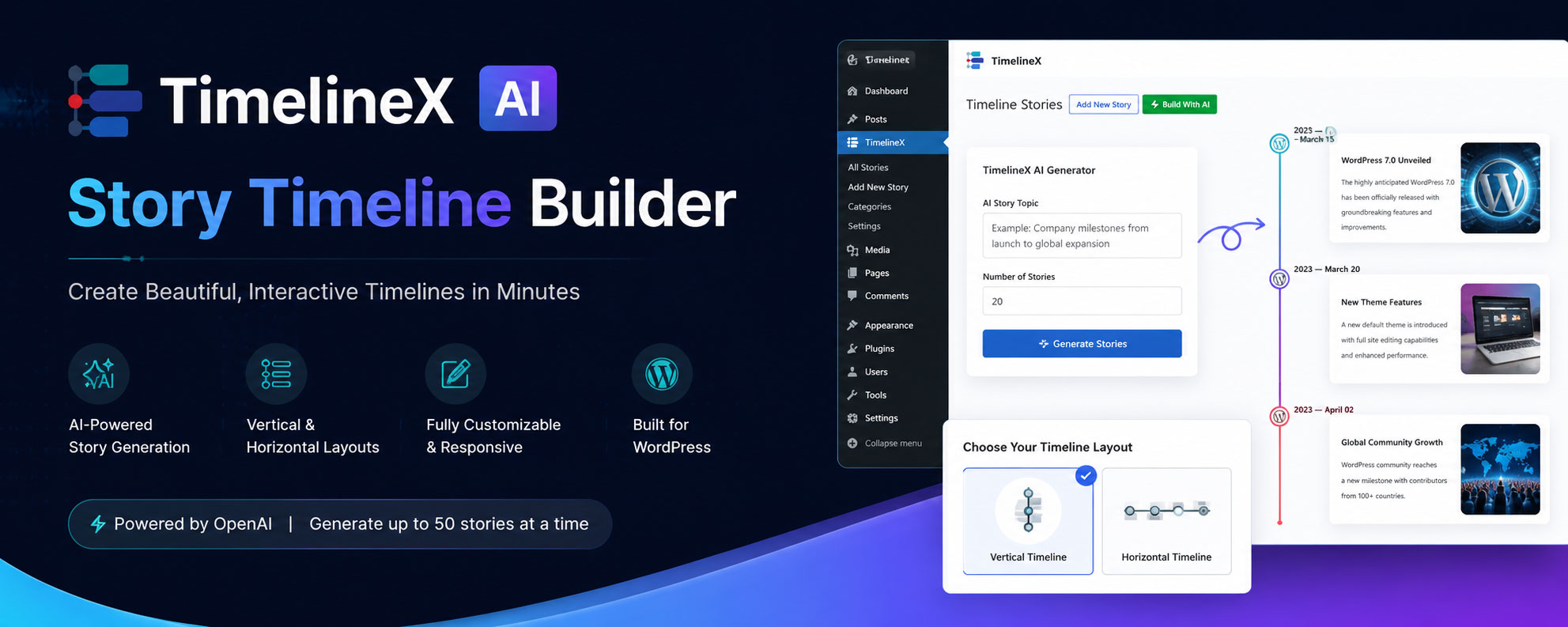
TimelineX AI – Interactive Story Timeline Builder

πŸš€ TimeLineX AI Story Timeline Builder – Next-Gen AI WordPress Timeline Plugin

Create stunning, interactive, and AI-powered timelines directly inside WordPress.
TimelineX AI helps you showcase stories, events, company history, product roadmaps, milestones, journeys, releases, case studies, and more with beautiful timeline layouts β€” no coding required.

Built for modern WordPress users, TimelineX AI comes with Gutenberg blocks, Elementor widgets, shortcode support, and powerful AI story generation to create engaging timelines in seconds.

AI Timeline Story Generator

Vertical & Horizontal Timelines

Custom Icons & Images

Gutenberg Block Support

Both-Sided Timeline Layout

Animation Effects

Elementor Widget Support

Responsive Design

Modern UI Design

Shortcode Support

Unlimited Timeline Stories

Translation Ready

Powerful Features, No Matter What Plan You Choose.

✨ Core Features

πŸ€– AI Story Generator

Generate complete timeline stories instantly using AI.

Simply enter a topic, choose the number of stories, and TimelineX AI automatically creates engaging timeline content with titles, descriptions, and structured storytelling.

Perfect for:

  • Company milestones
  • Historical events
  • Product roadmaps
  • Educational timelines
  • Marketing storytelling

🧱 Gutenberg Block Support

Build timelines directly inside the WordPress block editor using powerful native Gutenberg blocks.

  • Easy drag & drop editing
  • Live editor preview
  • Block-based customization
  • Fast and lightweight performance

⚑ Elementor Widget Support

Create beautiful timelines visually using Elementor.

  • Dedicated TimelineX Elementor widgets
  • Fully responsive controls
  • Style everything visually
  • Works with Elementor Free & Pro

πŸ”— Shortcode Builder

Display timelines anywhere using simple shortcodes.

Use timelines inside:

  • Pages
  • Posts
  • Widgets
  • Tabs
  • Popups
  • Theme templates

🎨 Multiple Timeline Layouts

Choose from professionally designed layouts:

  • Vertical Timeline
  • Horizontal Timeline
  • Both-Sided Timeline
  • One-Sided Timeline
  • Compact Timeline
  • Modern Card Layout
  • Minimal Timeline Design

πŸ“± Fully Responsive & Mobile Friendly

TimelineX AI is optimized for:

  • Desktop
  • Tablet
  • Mobile devices

Your timelines will look perfect on every screen size.

🎯 Powerful Customization Options

Customize every part of your timeline:

  • Colors
  • Typography
  • Icons
  • Images
  • Date styles
  • Line styles
  • Card spacing
  • Animation effects
  • Background styles

No coding knowledge needed.

🌐 Works With Any Theme

TimelineX AI is compatible with most modern WordPress themes and page builders.

Including:

  • Elementor
  • Gutenberg
  • WooCommerce themes
  • Block themes
  • Classic themes
WordPress AI Timeline Plugin for Elementor & Gutenberg

Get the "TimelineX" Interactive Story Timeline Builder Pro Now!

Yearly
Lifetime
Starter
$49 / Lifetime
1 Domain License
Lifetime Support & Updates
14 Days Money Back Guarantee
Most popular
Master
$149 / Lifetime
Unlimited Domains License
Lifetime Support & Updates
14 day money-back guarantee
Professional
$99 / Lifetime
5 Domains License
Lifetime Support & Updates
14 day money-back guarantee
Starter
$29 / Yearly
1 Domain License
1 Year Support & Updates
14 Days Money Back Guarantee
Most popular
Master
$99 / Yearly
Unlimited Domains License
1 Year Support & Updates
14 day money-back guarantee
Professional
$69 / Yearly
5 Domains License
1 Year Support & Updates
14 day money-back guarantee
WordPress Web Design Services Company

Note: All prices are given in USD exclusive TAX/ VAT. TAX/ VAT will be charged depending on the destination country.

WordPress Web Design Services Company

No Question Asked

14 days money back guarantee
We guarantee 100% satisfaction with our help & support service. However, if our theme still doesn’t meet your needs, we’ll happily refund 100% of your money within 14 days of your purchase. No questions will be asked.

TimelineX – Screenshots ( Glogal Setting )

TimelineX – Screenshots ( Elementor )

TimelineX – Screenshots ( Gutenberg / Block Editor / Shortcode)

Frequently asked questions

What is TimelineX?

TimelineX is a premium WordPress plugin that lets you create stylish timeline sliders to showcase your history, events, or milestones. It offers both shortcode-based timelines and a Gutenberg Timeline Block, making it easy to add and manage timelines anywhere on your website.

I bought the wrong plugin. Can I get a refund?

Yes. If you purchased the wrong timeline plugin, you can request a refund within the refund period.

What is your refund policy for plugin purchases?

We offer a 14-day risk-free money-back guarantee on all premium plugin purchases. If you’re not satisfied, just contact us and we’ll process your refund.

Β 

Read our refund policy here

Are there any hidden fees?

No, our pricing is 100% transparent with no hidden charges. You’ll only pay for the plan you choose, and all features included in that plan are clearly listed.

Can I add videos or slideshows inside a timeline story?

Yes. TimelineX allows you to add featured images, embed YouTube videos, or create image slideshows within any timeline story to make your content more engaging.

Can I use custom text instead of dates in a timeline?

Yes. Can I use custom text instead of dates in a timeline?
Yes. TimelineX lets you replace dates with custom text like β€œStep 1,” β€œStep 2,” making it ideal for step-by-step or process-based timelines. You can also manually order these items as needed. lets you replace dates with custom text like β€œStep 1,” β€œStep 2,” making it ideal for step-by-step or process-based timelines. You can also manually order these items as needed.

How can I create a vertical or horizontal timeline in WordPress?

You can create a vertical or horizontal timeline in WordPress using TimelineX. Simply add timeline stories through the plugin and display them using its shortcode or the Gutenberg Timeline Block.

Can I use TimelineX with Elementor?

Yes. You can use TimelineX inside Elementor pages by inserting its shortcode using the Elementor shortcode widget. However, for the best Elementor experience, we recommend using Timeline Widget Pro, a dedicated addon that offers advanced timeline designs and a full drag-and-drop timeline builder specifically for Elementor.

Can I use pre-made timeline templates and shortcodes in TimelineX?

Yes. TimelineX comes with pre-designed timeline templates and multiple layout options, vertical, horizontal, compact, and one-sided. You can quickly insert any timeline on a page or post using the built-in shortcode, making it easy to showcase stories, events, or milestones.

Can I create a large timeline with 100+ stories?

Yes. TimelineX is designed to handle large timelines smoothly. You can add 100+ stories and display them using a simple shortcode. It also includes Ajax Load More, pagination, and a quick year navigator for fast scrolling through long timelines.

Can I display blog posts inside a timeline layout?

Yes. TimelineX lets you create timelines using your existing blog posts. You can display them with a shortcode on any page, and you can also use titles and descriptions from any custom post type to build your timeline.

We Provide Custom Features & Customization Service for This Plugin. Want to Extend?

Pre-sale Questions? Feature Suggestions? Support of Bug Fix Requests? Simply Shoot Us a Mail

Name