
1 Domain License
FoodXpress - Food Menu & Ordering for WooCommerce Plugin
One Click Food Ordering with WhatsApp
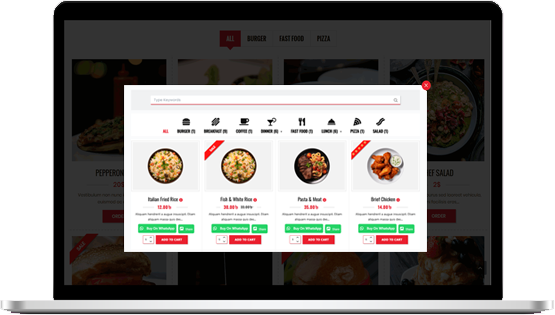
No third-party platforms. One solution for all your restaurant needs.
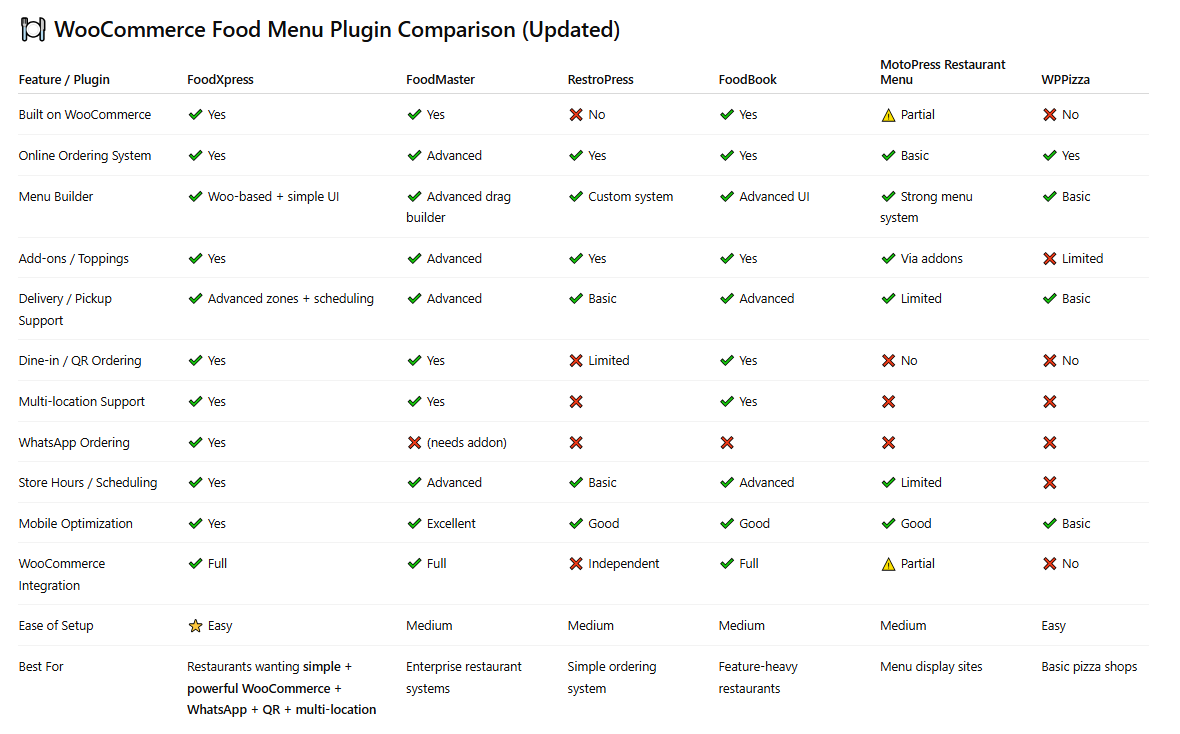
To succeed in the competitive restaurant industry, an online presence is essential. FoodXpress is designed to help you achieve this by transforming your WooCommerce shop into a fully functional, easy-to-use online restaurant menu and ordering system. Whether you run a café, juice bar, or restaurant, this restaurant WooCommerce extension provides everything you need to showcase your brand, manage orders, and enhance your customers’ experience.
FoodXpress empowers restaurant owners to create a professional, visually appealing menu with minimal effort. With a neat, organized layout, your menu is always ready for business, whether for dine-in, takeaway, or delivery.
This Restaurant menu plugin delivers a seamless ordering process that keeps customers engaged and coming back, from customizable menus and delivery options to a real-time open/closed status.
Allow customers to Place orders on WhatsApp by adding the “Order on WhatsApp” button on different pages of your eCommerce store and increase conversions!
- Version: 1.0.1
- WordPress: 4.6+, 5.0+
- Elementor, Gutenberg, WPBakery Page Builder
- WooCommerce 9.x.x, WooCommerce 8.x.x
- PHP: 5.6.x+
- WPML Compatible: Yes
Food Menu Template
One Click Food Ordering with WhatsApp
Live Order Notification
Multi-branch Support
Advance Reservation System
Food With Reservation
Food Ordering with QR Code
Food Pickup and Delivery
Minicart/Sidecart
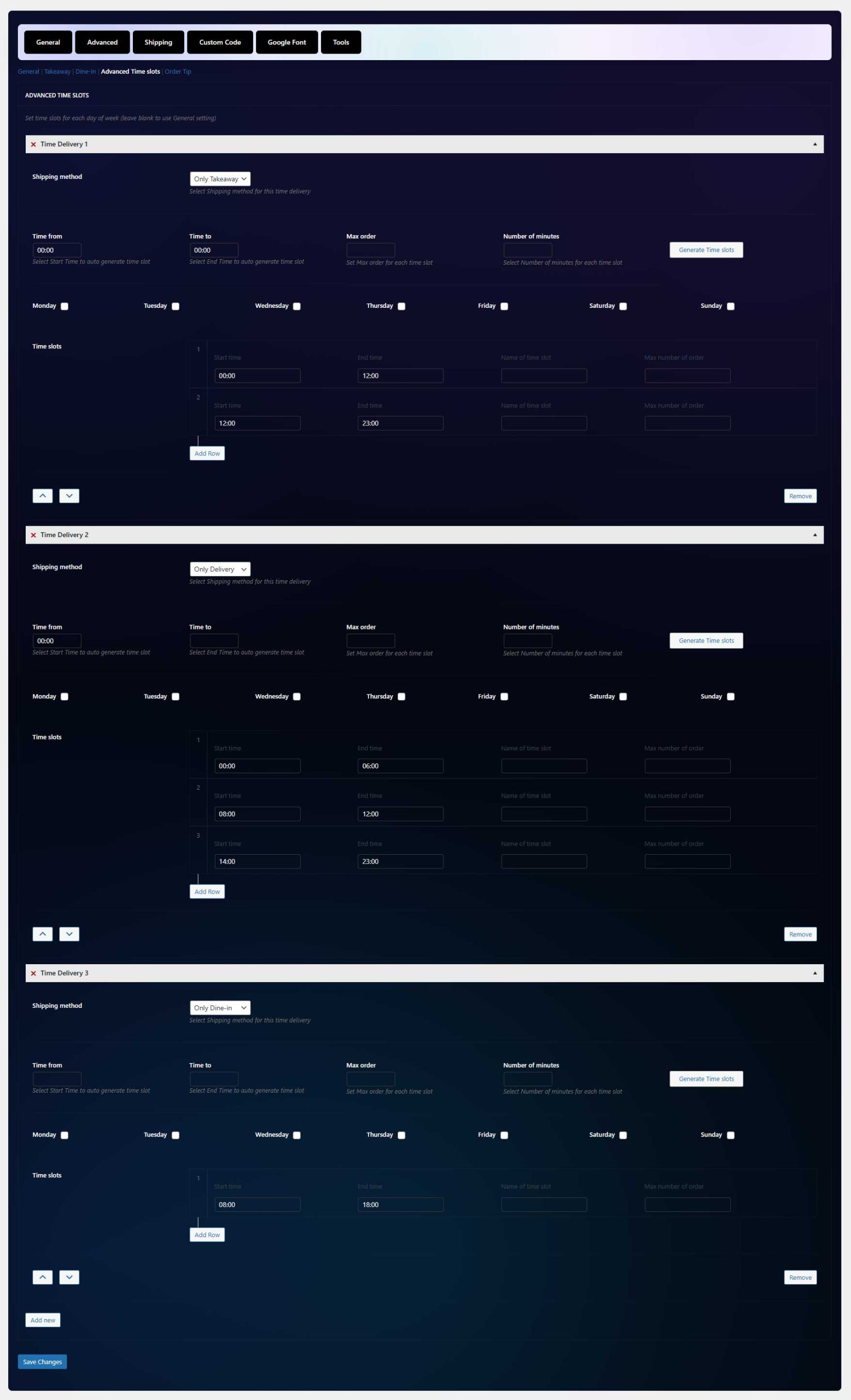
Custom delivery timing
Extra Product addons
Delivery Tip
Powerful Features, No Matter What Plan You Choose.
FoodXpress - Food Menu & Ordering for WooCommerce
Key Features:
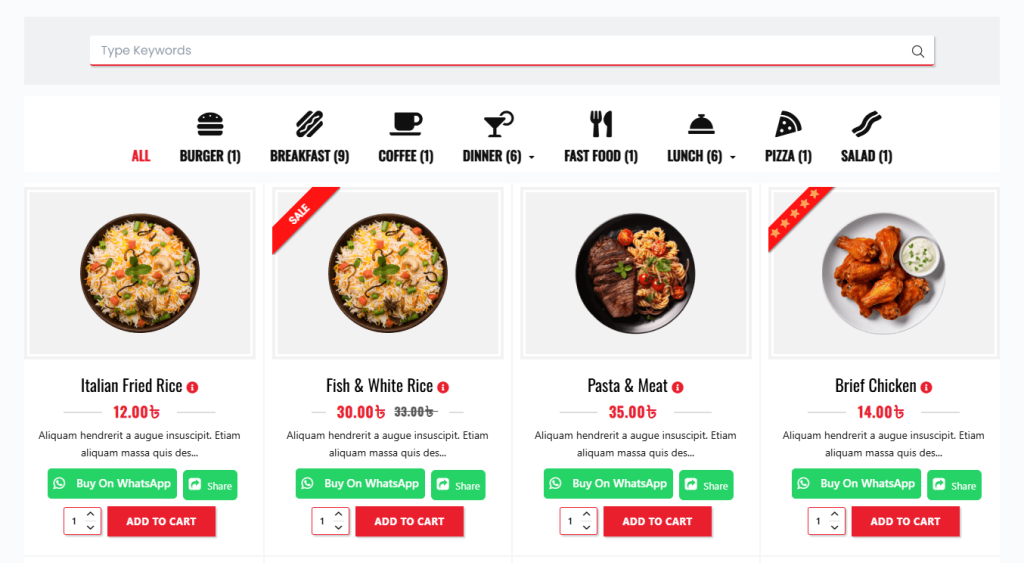
- 20+ Food Menu Styles support
- Online Food ordering and manager via pro system of WooCommerce
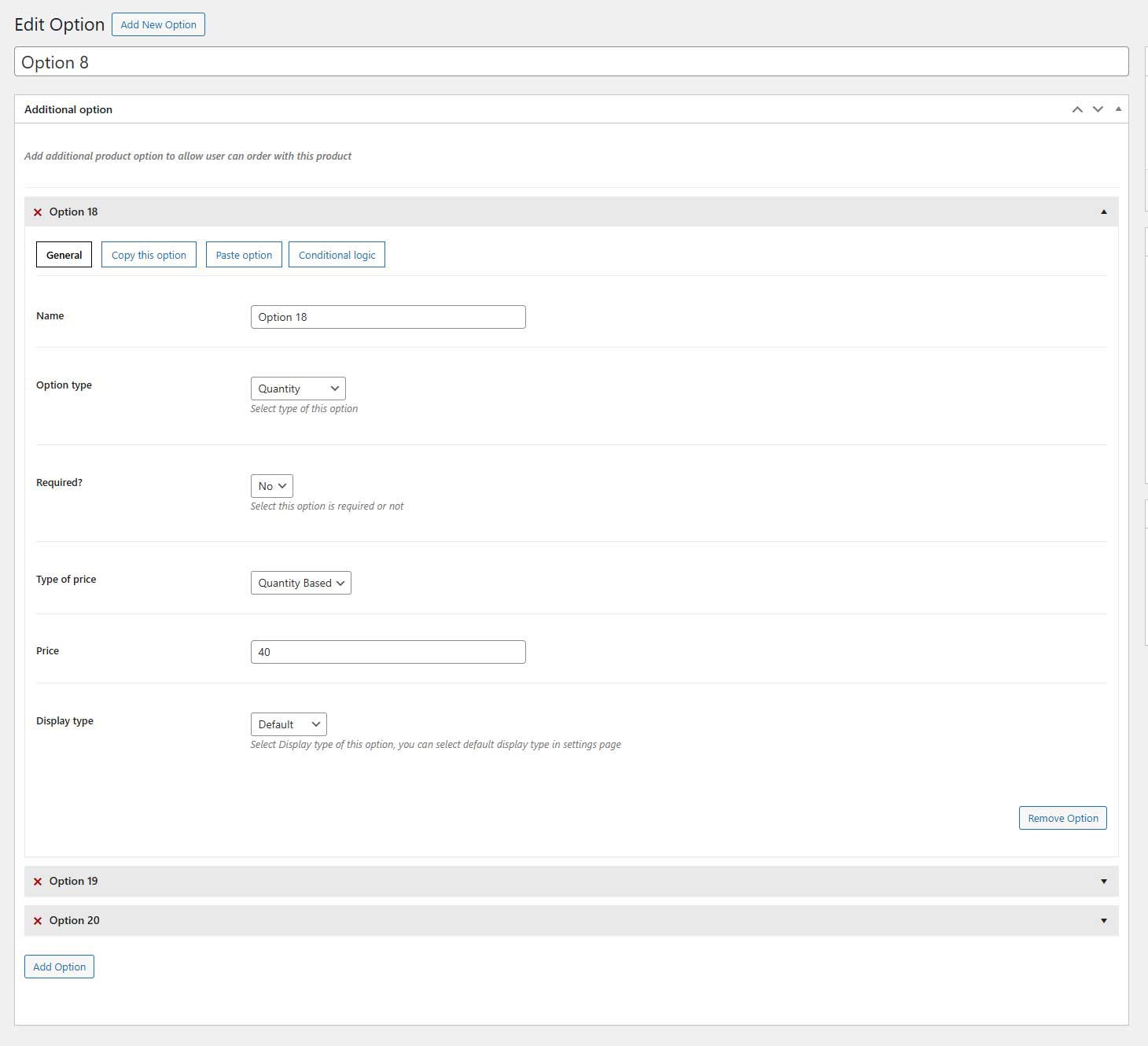
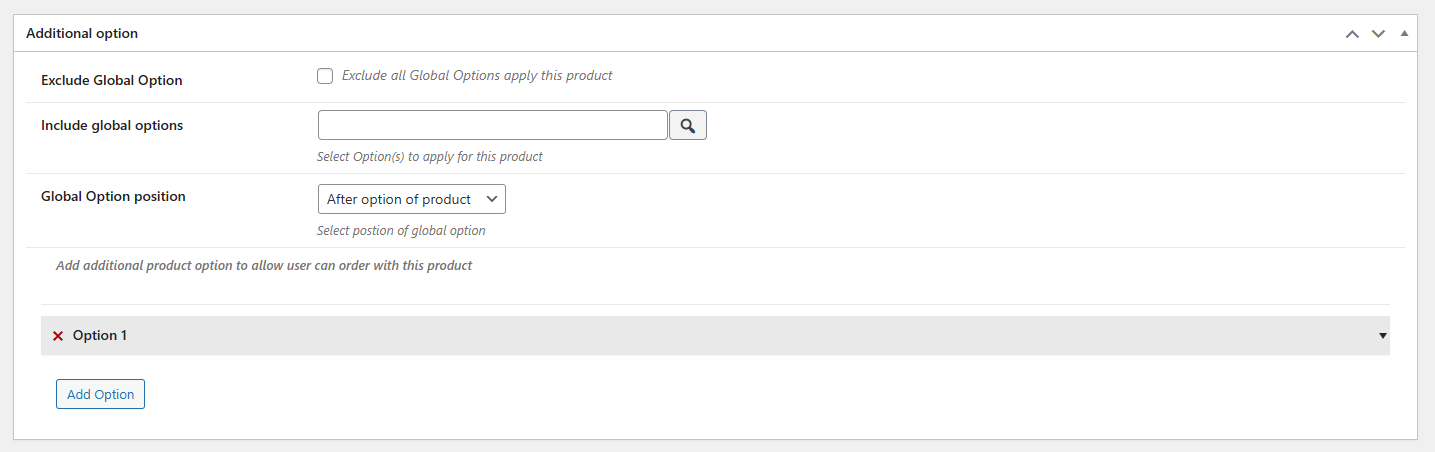
- Flexible Food Extra Options Customize items with multiple selection types: Select box, radio button, checkbox, textarea, text, quantity
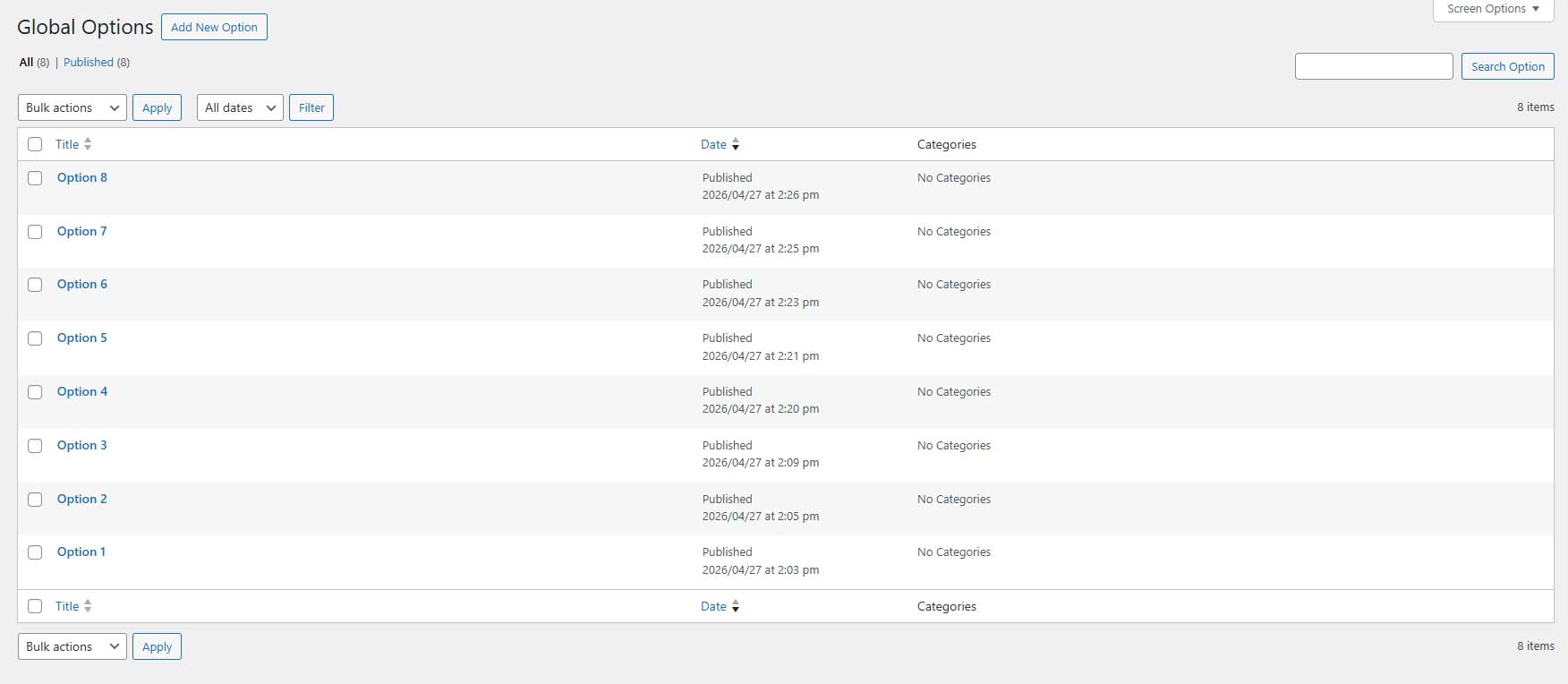
- Global Food Extra Options – Apply additional options across all foods, specific items, or entire categories
- Min/Max Checkbox Selection Requirements
- Extra Options by Variation (Set unique options per product variation )
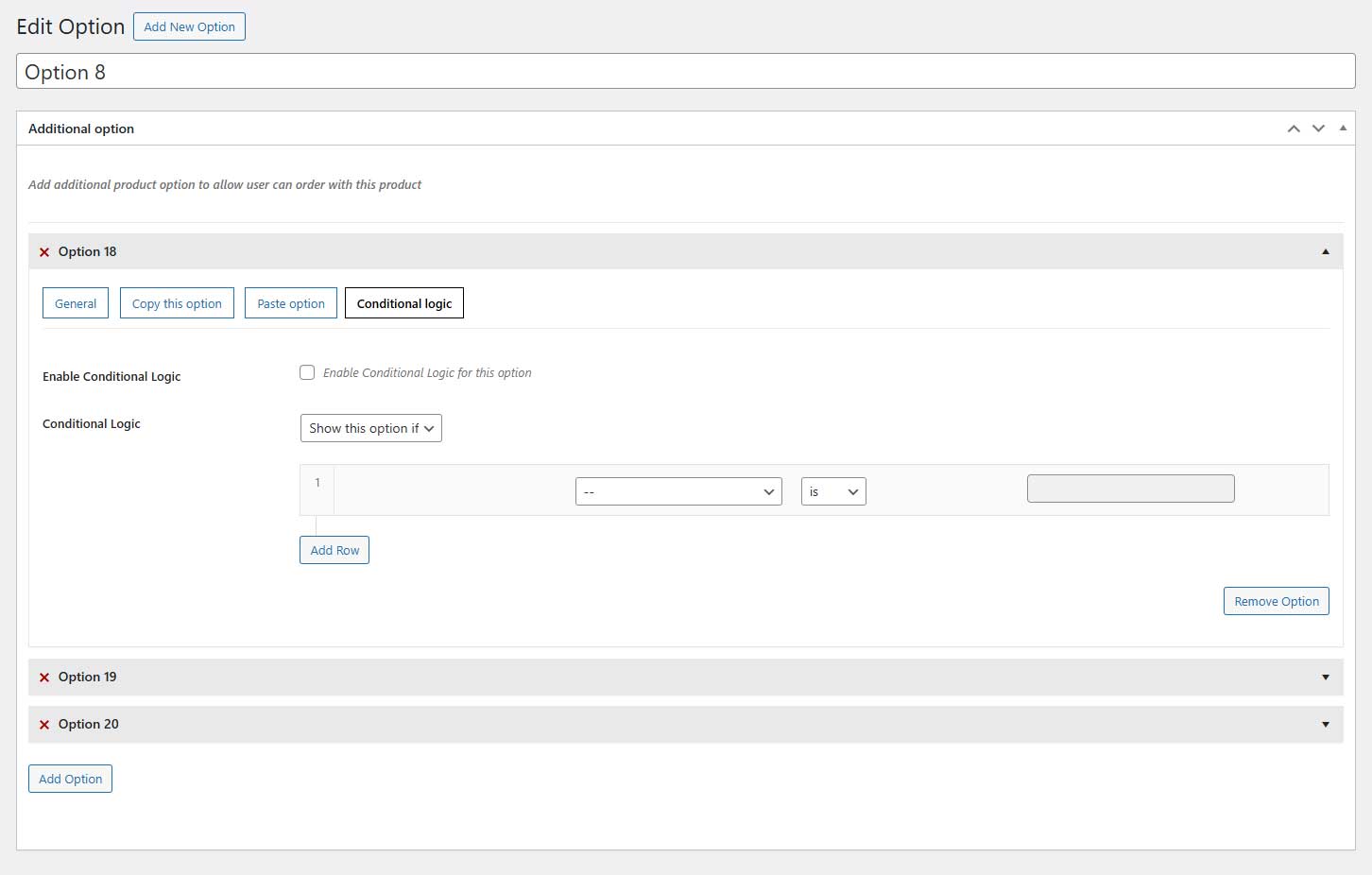
- Conditional Logic for Extra Options (Show/hide options dynamically based on user selections:)
- Copy/Clone Extra Options – Quickly duplicate extra options for faster setup
- Advanced Quantity Fields Enable quantity selection and limit min, max total options quantity for checkboxes and radio buttons
- Custom Option Images: – Add images for checkbox and radio button selections
- Min/Max Quantity Settings – Set minimum and maximum quantities for each food item or variation
- Menu by date – Create menu based on specific dates or date & time ranges:
- Fully Responsive & Mobile-Friendly – Optimized for seamless use across devices
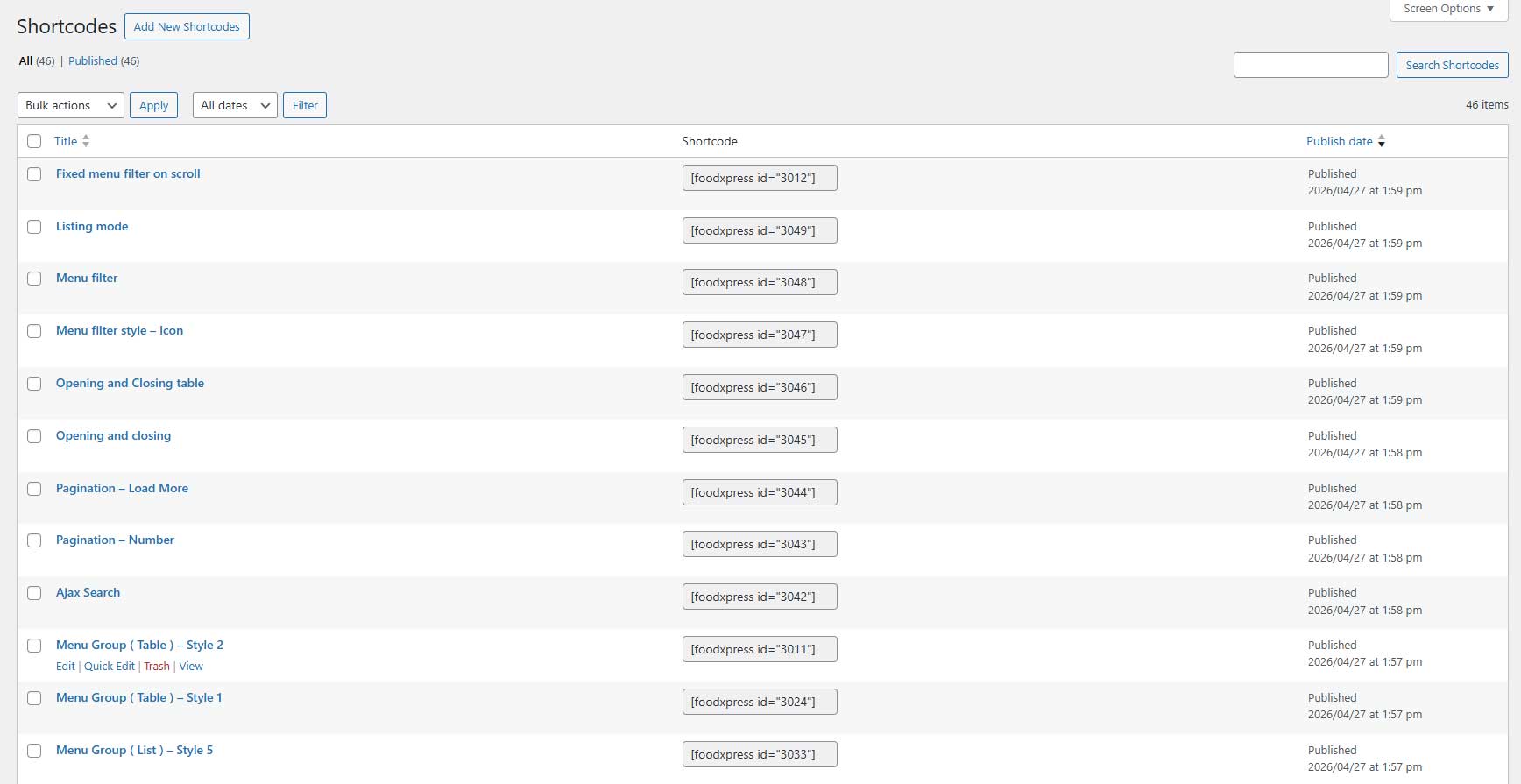
- Flexible Menu Display – Show menus anywhere using shortcodes
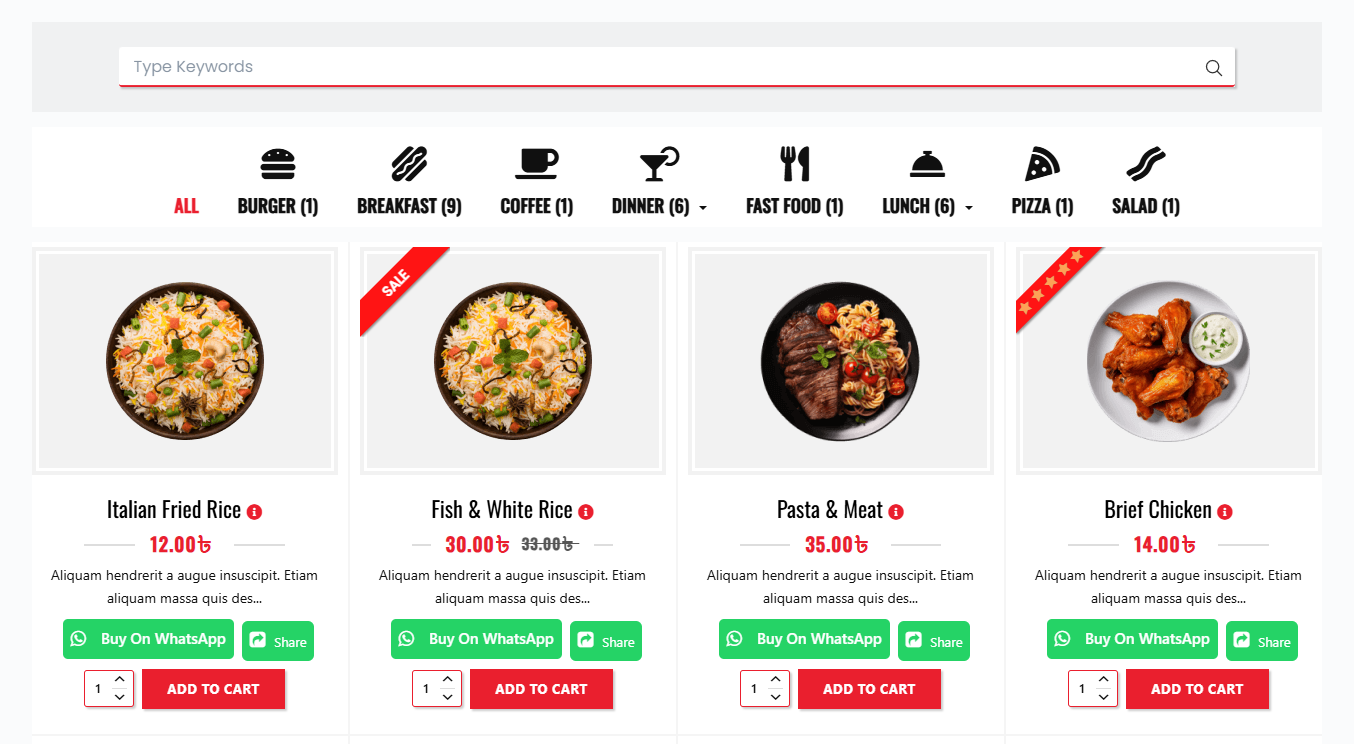
- Multi-Column Support – Display food items in 2, 3, 4, or 5 columns
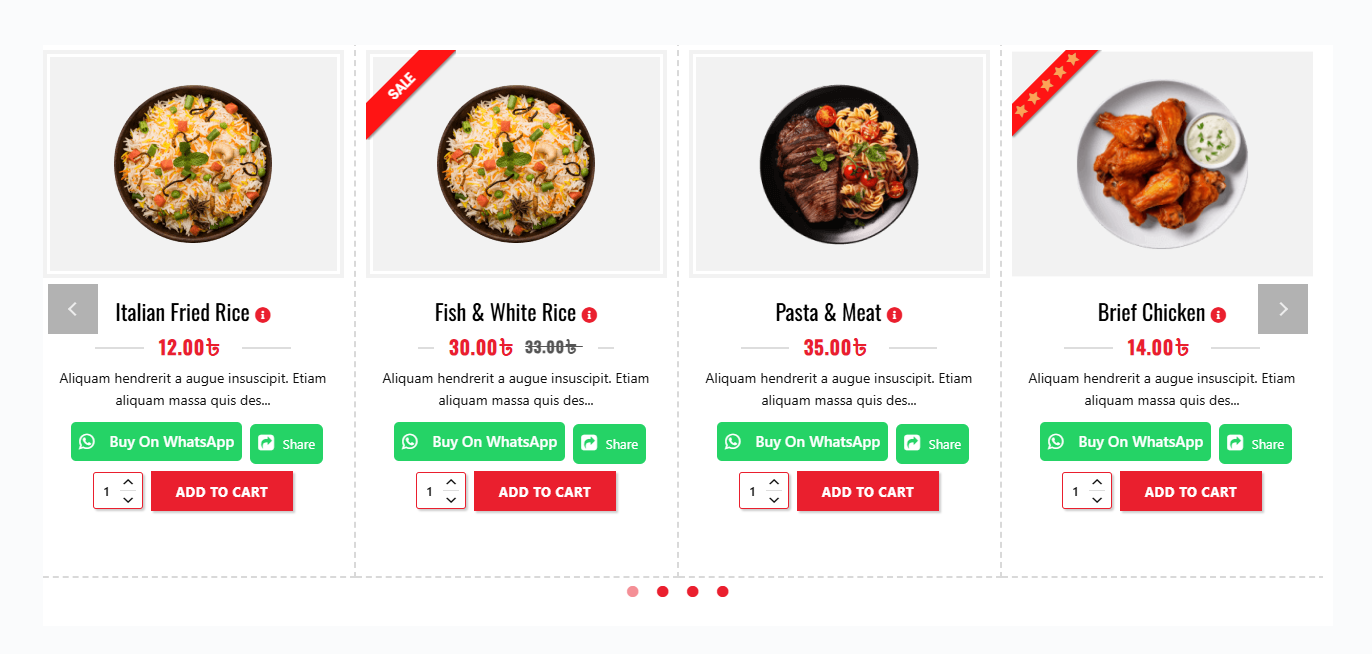
- Multiple Display Layouts – Choose from Grid, List, Table, or Carousel (Slider View)
- Easy Admin Management – Effortlessly create food items and manage orders via WooCommerce
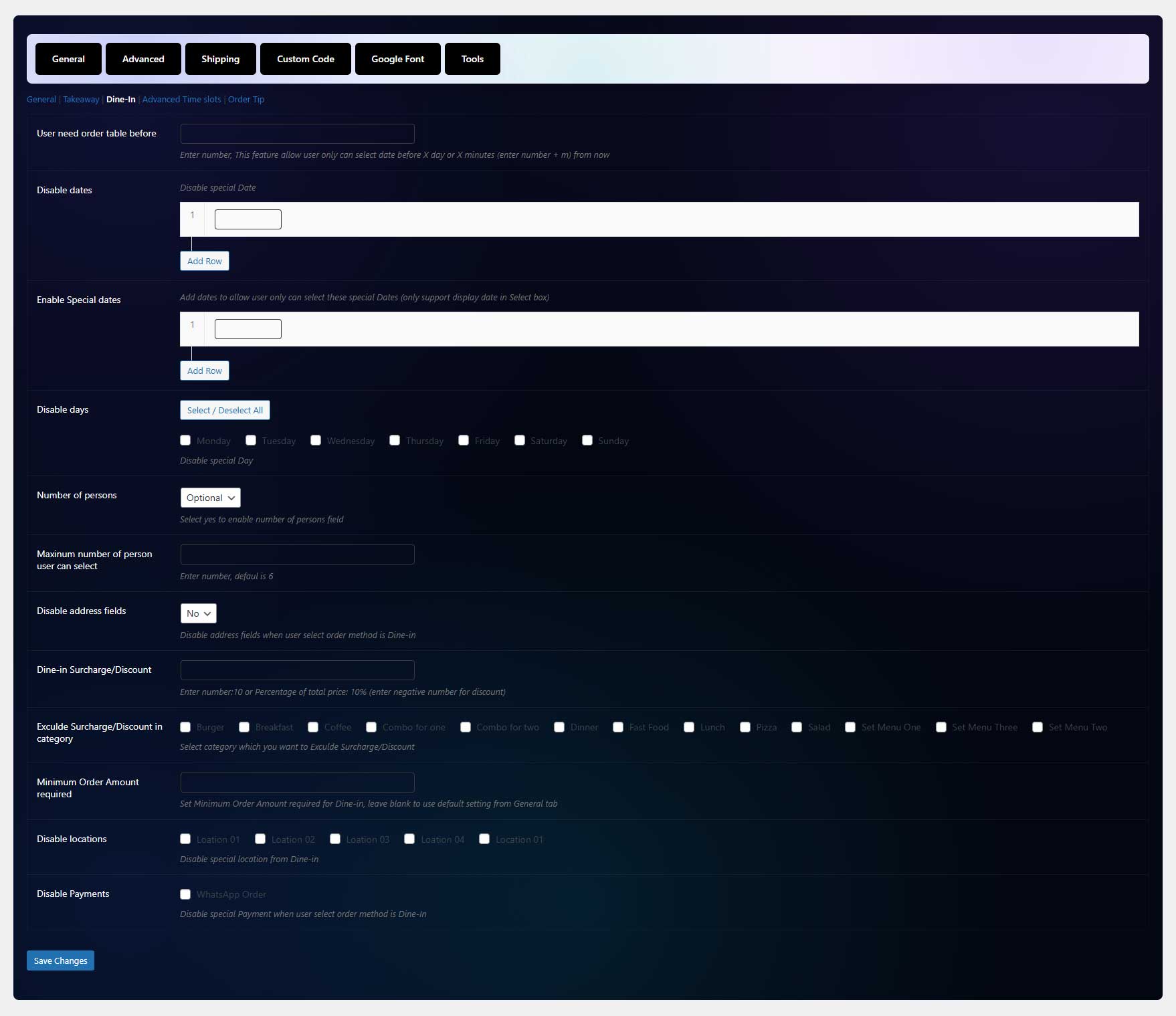
- Multiple Ordering Methods – Offer Delivery, Pickup, or Dine-In options
- Shipping Radius Restriction: Limit delivery areas using Google Maps API
- Custom Shipping Zone – Draw shipping zones instead of restricting by kilometers
- Postal Code-Based Shipping: Set shipping limits based on postal/zip codes instead of a radius
- Advanced Delivery Fees, Configure delivery fees based on distance, postal codes, or time slots
- Free Shipping Threshold – Set a minimum order amount for free shipping eligibility
- Upsell Recommendations – Show suggested items after adding a product to the cart
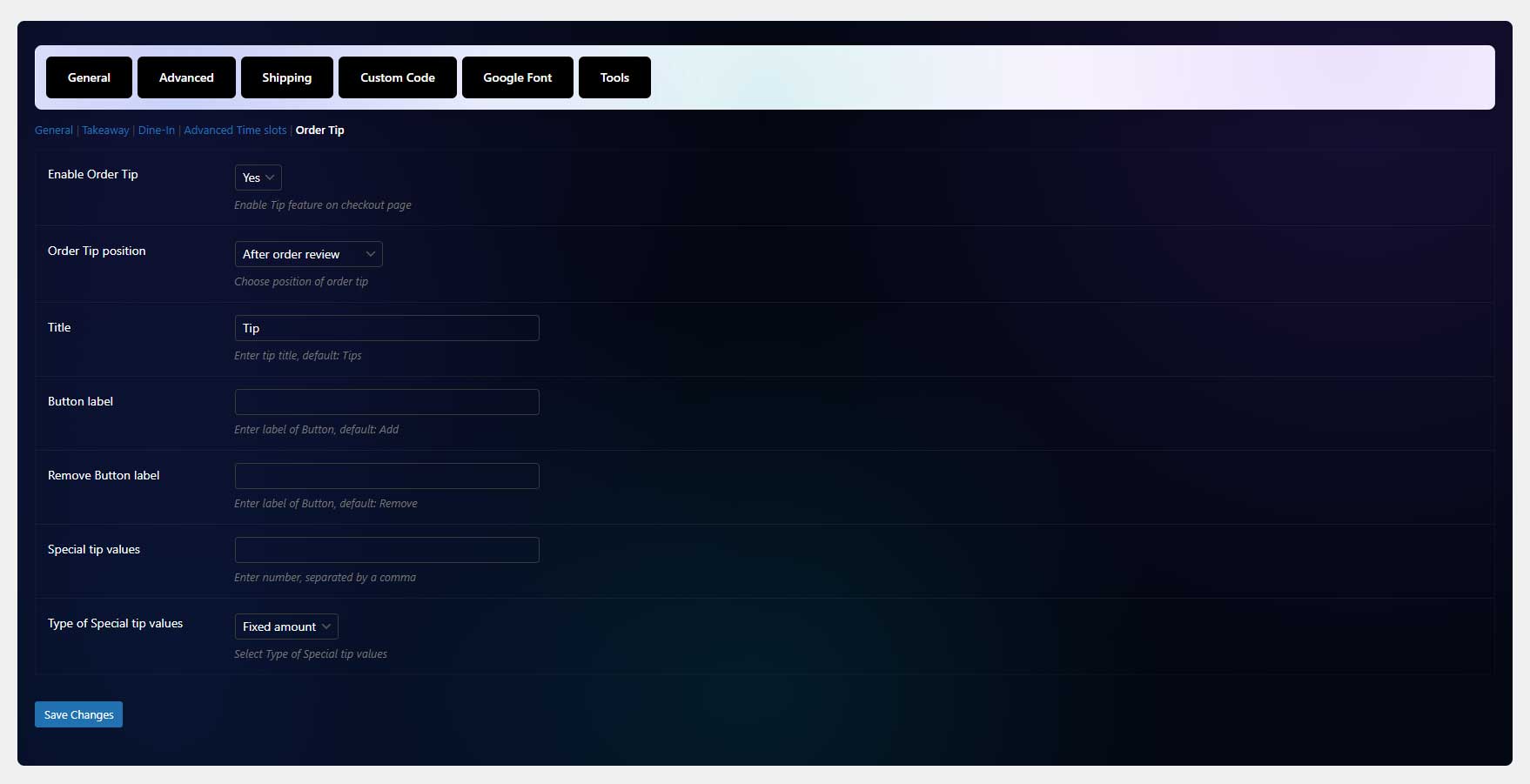
- Tip/Donation – Allow customers to add a tip or donation at checkout
- Automated Order Notifications – Send confirmation emails to admins and customers
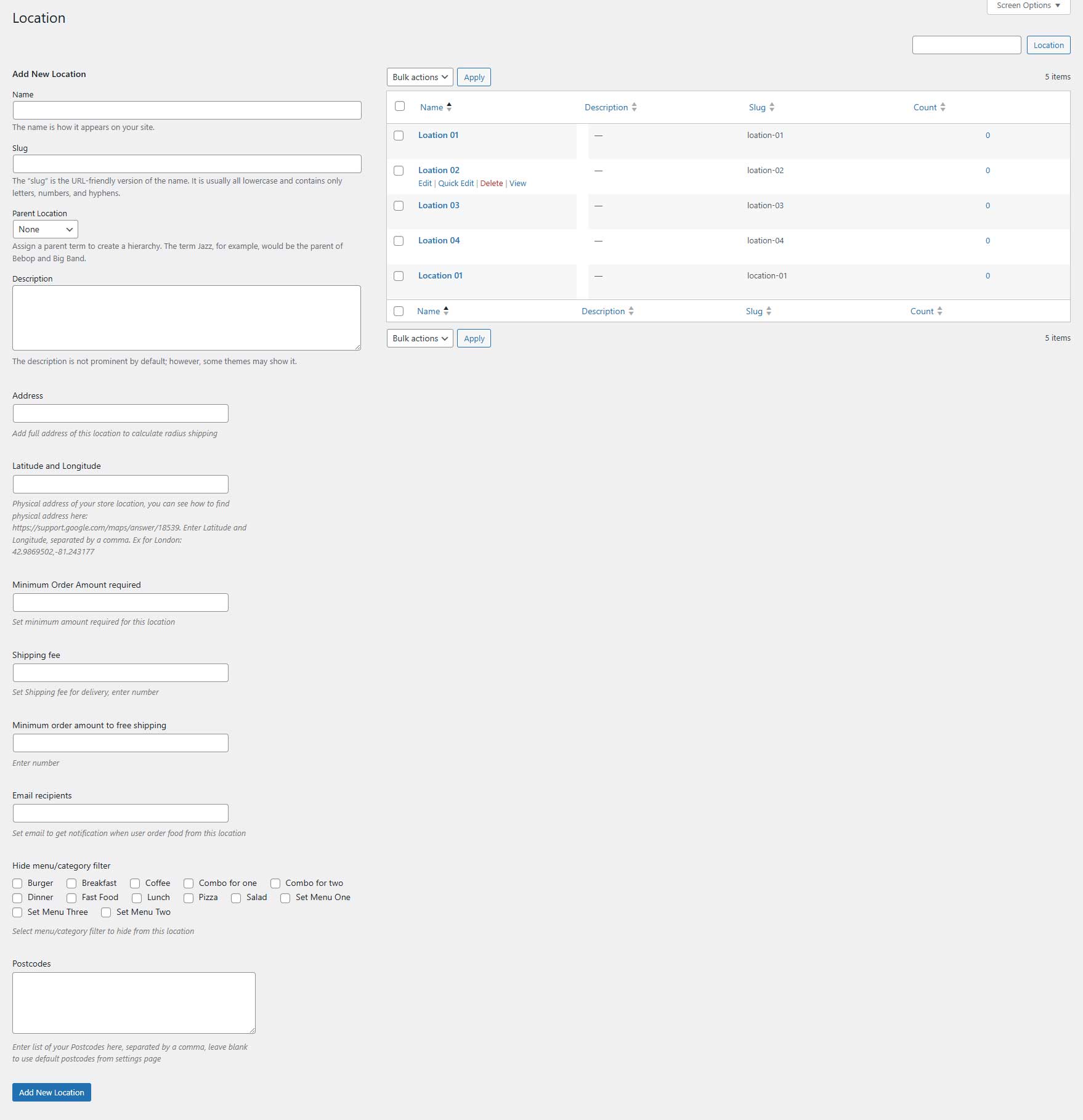
- Location-Based Food Menus – Set different menu items for each store location
- Order Method-Based Menus – Customize menus based on Delivery, Takeaway, or Dine-In orders
- Advanced Opening & Closing Times – Define store hours (or date range) globally or for specific locations
- Opening & Closing Time Info Show details in a popup or table view
- Enable/Disable Locations for Order Methods – Restrict locations per order type
- Custom Shipping Fees – Configure shipping costs for each location
- Minimum Order Amount Per Location – Set individual thresholds for each store
- Invoice Printing – Generate order invoices for easy processing
- Location-Based Email Recipients Assign different email recipients per store location
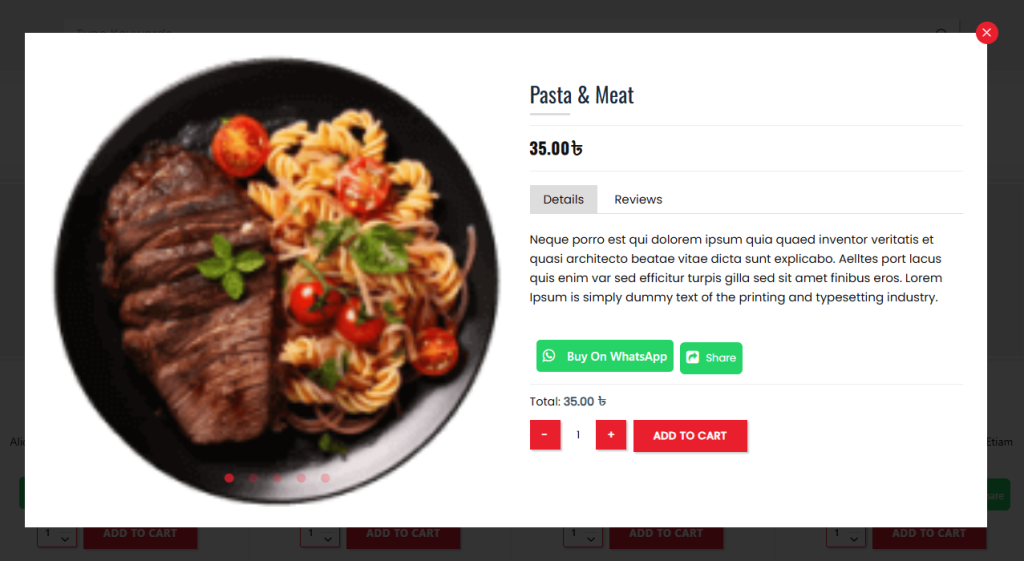
- Dynamic Ajax Features – Filter, load more items, pagination, modal food details
- Advanced Minimum Order Settings – Set order minimums by distance, method, location
- Pricing Adjustments fee/discount – Offer Delivery, Dine-In, and Takeaway discounts or surcharges
- Payment Restrictions Per Order Method – Enable or disable payment options for Delivery, Takeaway, or Dine-In
- Order Calendar View – Display order schedules on a calendar
- iCal Export Support Export order schedules to iCal or import into Google Calendar
- Customizable Date & Time Slots
- Unique Time Slots Per Day & Location – Set different hours for specific weekdays or locations, order methods (delivery, takeaway, dine-in)
- Order Limitation Controls – Restrict the number of orders per time slot
- Pre-Order Restrictions – Prevent food orders X minutes or days before pickup/delivery
- Ajax Category Filtering – Choose between default or icon-based filters
- Smart Address Auto-Completion – Auto-fill addresses by country using Google Maps API
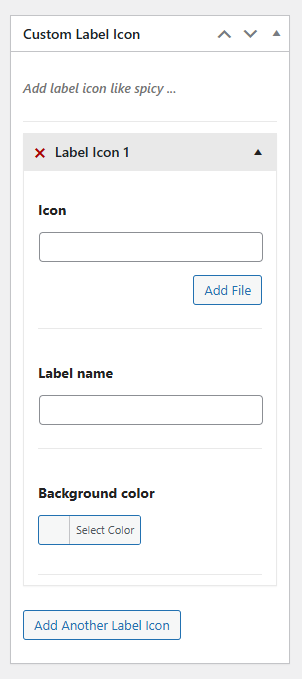
- Custom Food Labels & Icons – Add badges for spicy levels, allergens, etc.
- Multiple Payment Modes – Support PayPal, Stripe, and various gateways via add-ons
- Admin Order Management – Filter orders by status, location, method, or delivery time
- User Account Pages – Let customers register, log in, and view booking history
- Coupon Code System – Apply discount codes globally or by order method
- Live Notifications – Receive instant order updates via WooComemrce mobile app
- Display order date, time, and method on mobile on default WooComemrce mobile app
- Image Gallery Support – Showcase food with high-quality images
- RTL Mode Compatibility – Fully optimized for right-to-left languages
- Unlimited Color – Set colors for all or individual food items
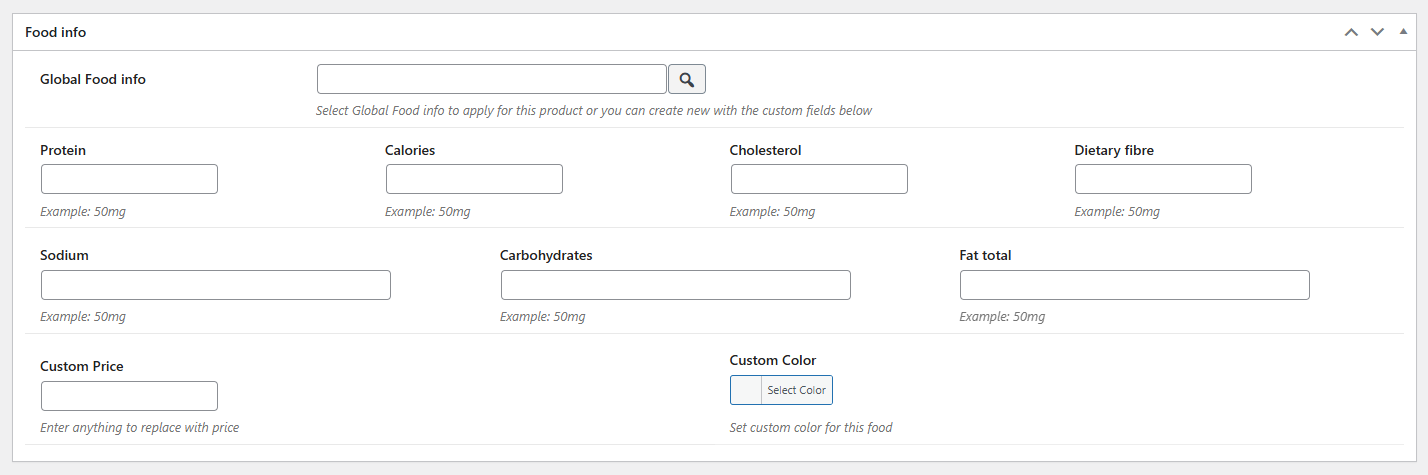
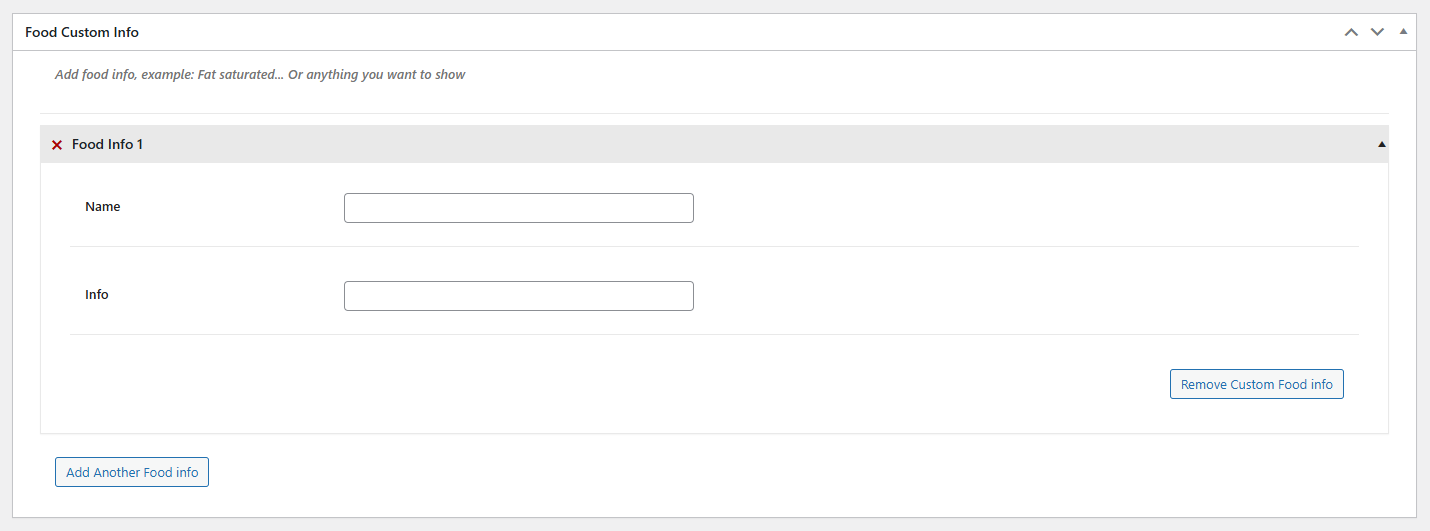
- Customizable Food Info – Configure item globally or individually
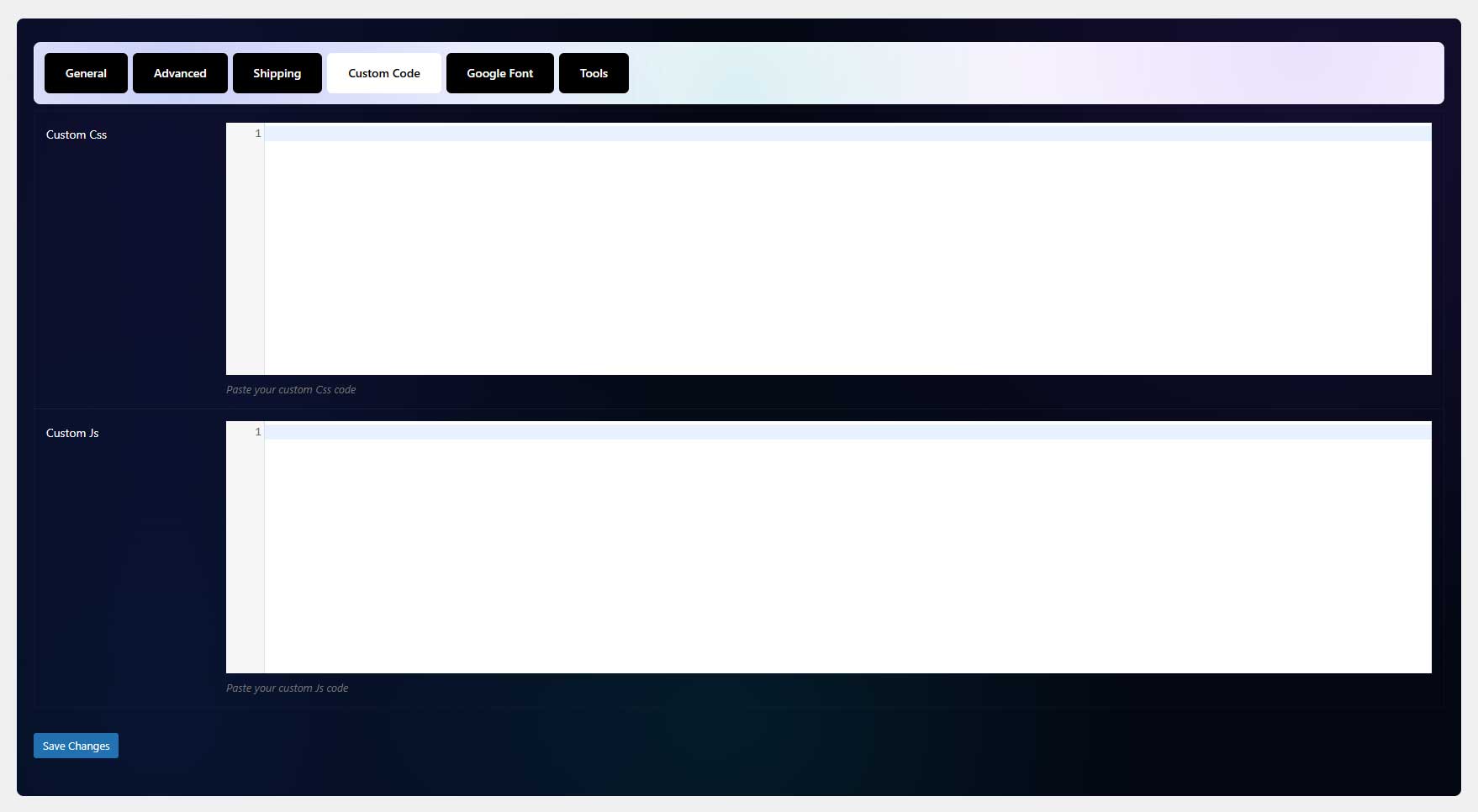
- Unlimited customize with font, color
- WPBakery Page Builder support
- Effortless Configuration & Setup – Simple and intuitive plugin settings
- Automatic order printing and Realtime Order acceptance or rejection with Android POS Printer from our partner (enter: ExThemes10 to get 10% off for this Android POS Printer)
- Automatically order printing with Star CloudPRNT (only work with star printer, Supported printer models are: Star TSP650II with HIX interface, Star mC-Print3, Star mC-Print2, Star TSP700II with HIX interface, Star TSP800II with HIX interface (currently limited to 80mm paper width support), Star SP700 with HIX interface)
- Automatically order printing with other printers If you don’t use star printer, you can use print node with this premium addon of WooCommerce to auto print order
- Compatible with High-Performance Order Storage – Optimized for faster order processing
- Compatible with Product Timer, you can enable food/product by date and time
- Compatible with Variations Radio Buttons, you can show variation as radio or grid view instead of select box
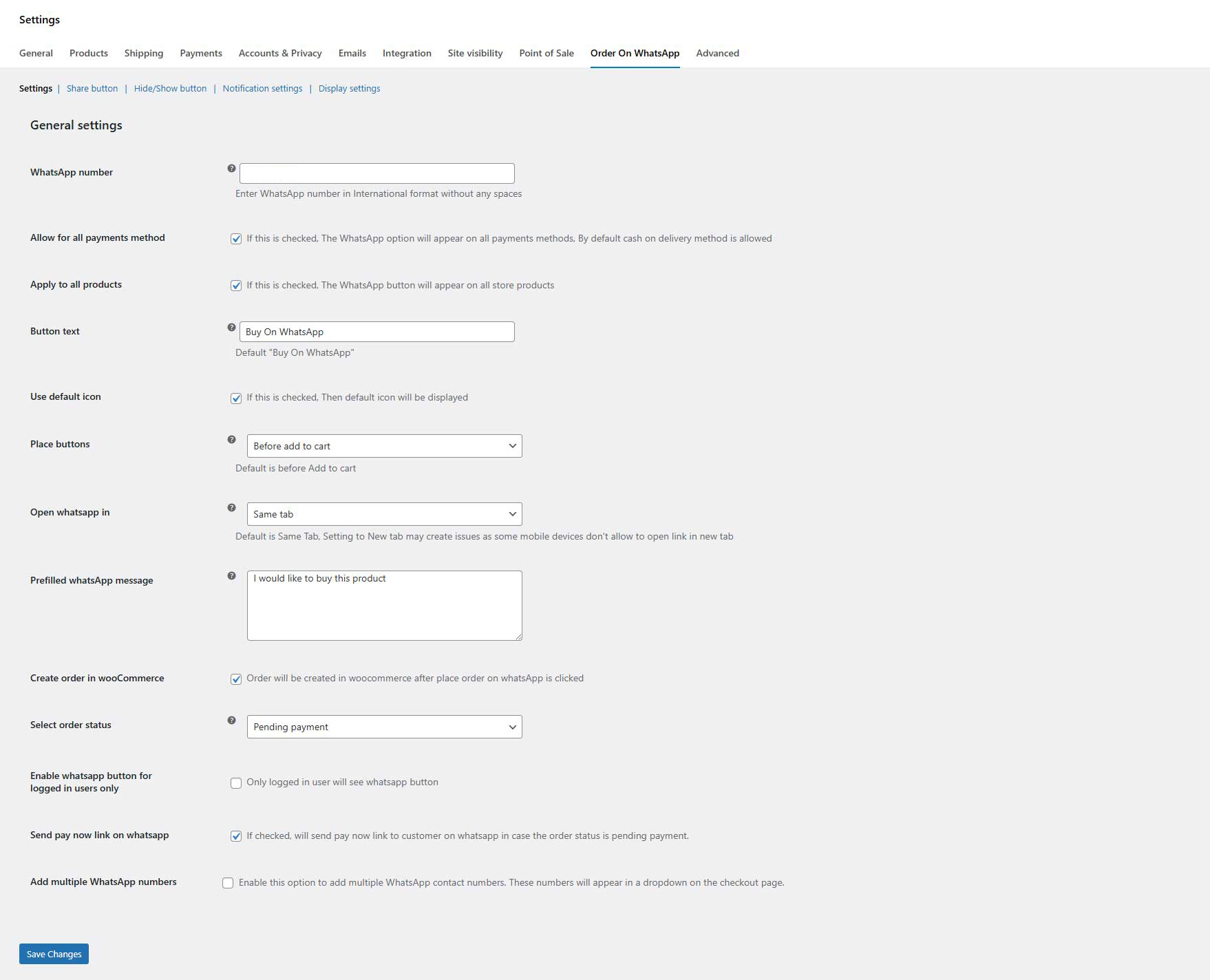
Order on WhatsApp for WooCommerce
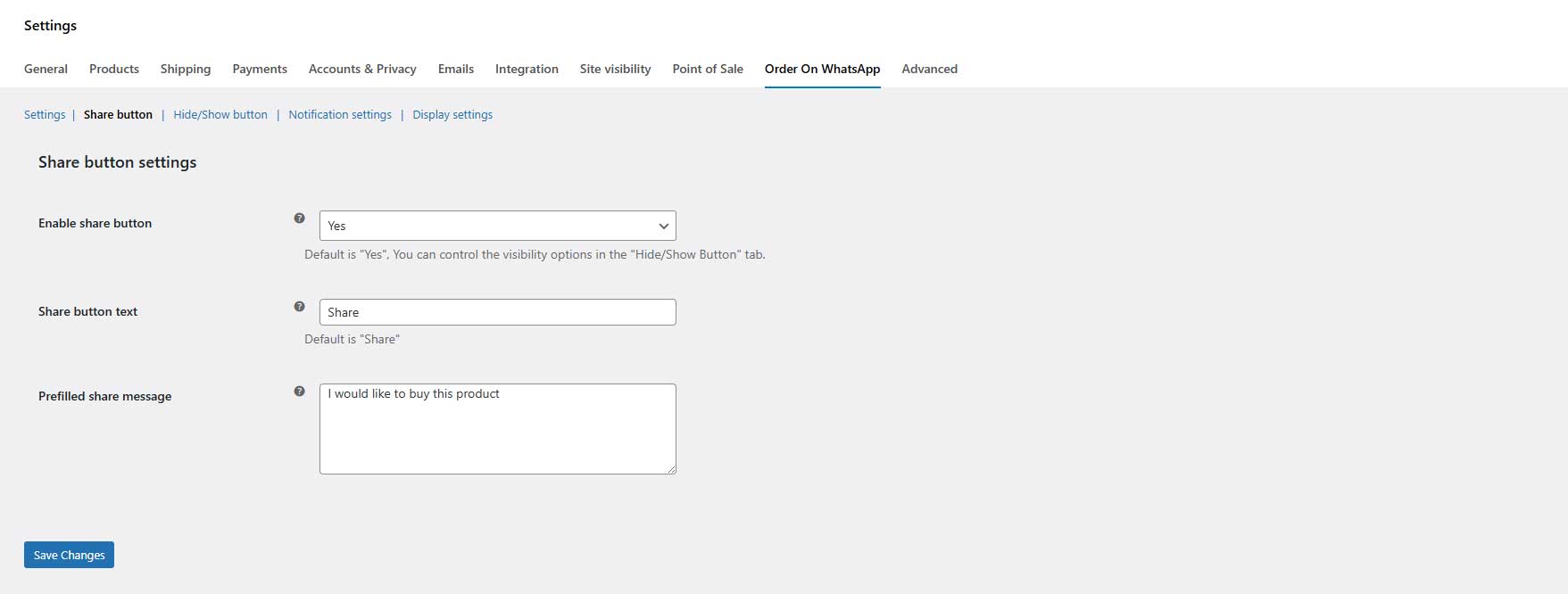
Improve store sales by allowing customers to place orders through WhatsApp. The WooCommerce WhatsApp order plugin also lets you display a “Share on WhatsApp” button on multiple pages.
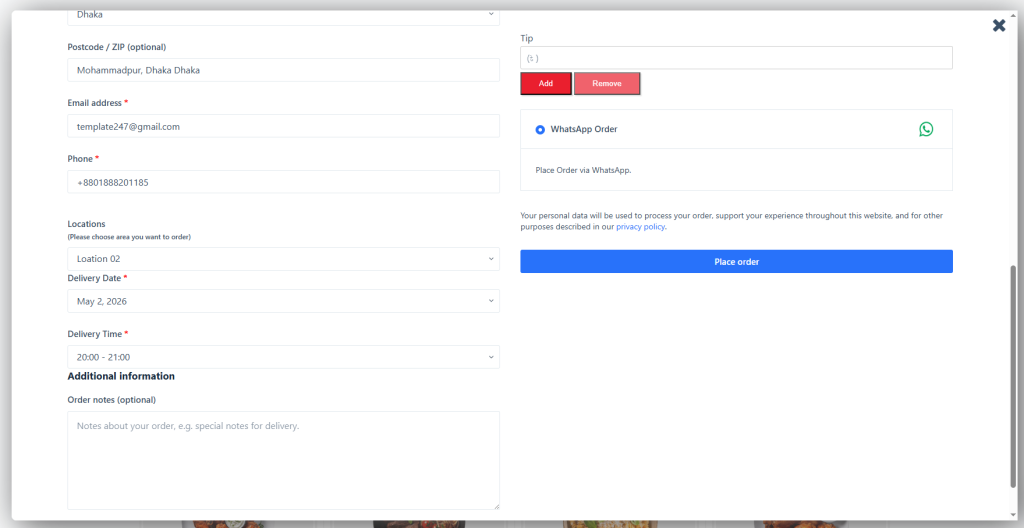
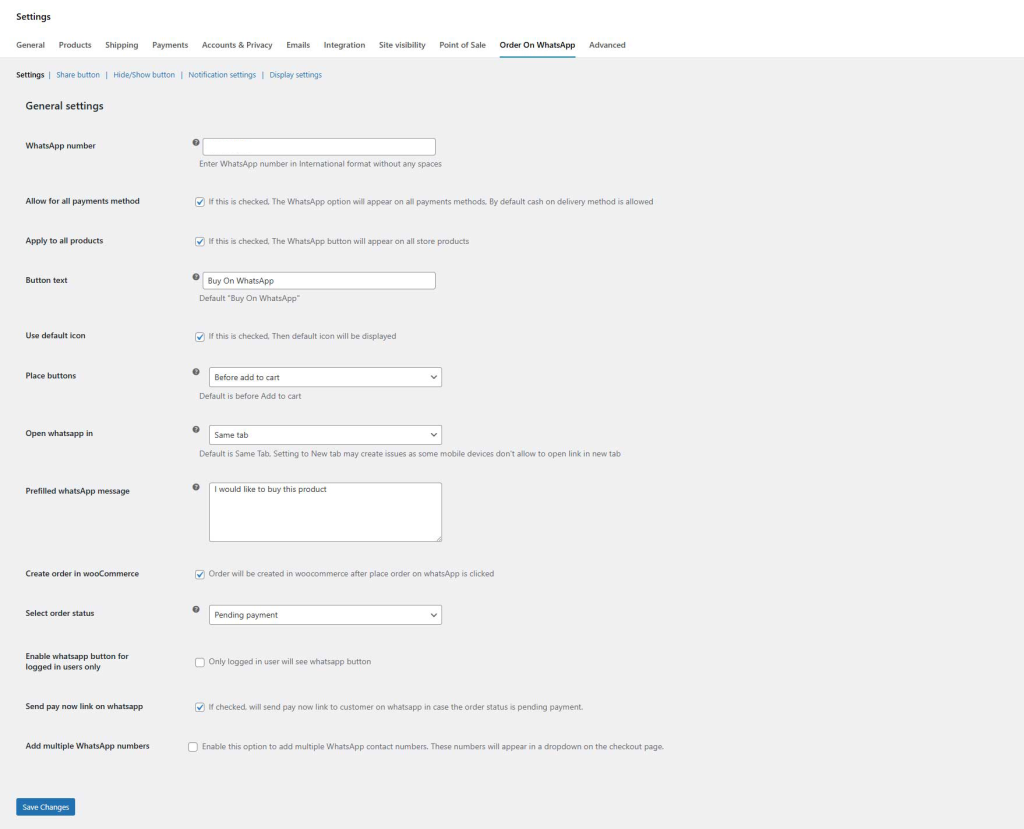
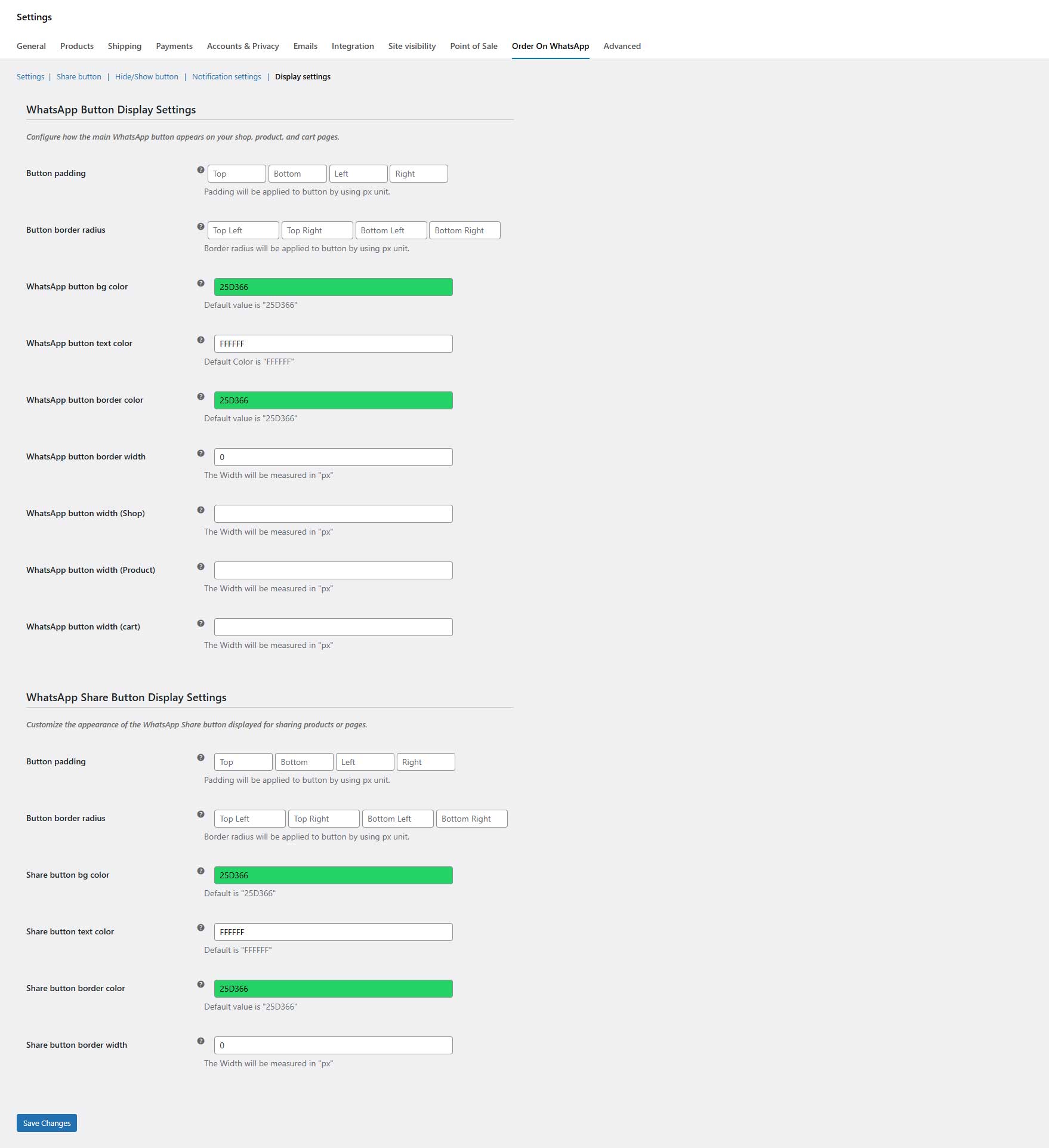
Let customers place orders on WhatsApp from shop, product, and cart pages. The checkout form will appear in a popup when the customer clicks the “Order on WhatsApp” button whether he is on the shop, product, or cart page. Fill out the checkout form and proceed to place an order on WhatsApp. Customers can also place orders through WhatsApp from the checkout page by clicking the “Order on WhatsApp” checkbox.
The WooCommerce WhatsApp order button can be added to specific or all products or categories. The plugin works with both simple and variable products. You can also add personalized text and customize the color and shape of the buttons.
By enabling smooth ordering over WhatsApp, the “Order on WhatsApp for WooCommerce” plugin improves user experience and expedites customer communication. It makes transactions faster, increases consumer trust through tailored interactions, and opens up new sales channels by leveraging WhatsApp messaging’s massive user base.
Key Features:
- Let customers place order on WhatsApp
- Allow customers to share your products on WhatsApp
- Displays checkout form in a popup on the shop and product page
- Option to enable WhatsApp order button only for logged-in customers
- Option to create orders on the admin side when placed through WhatsApp
- Choose the default status for orders from the admin side
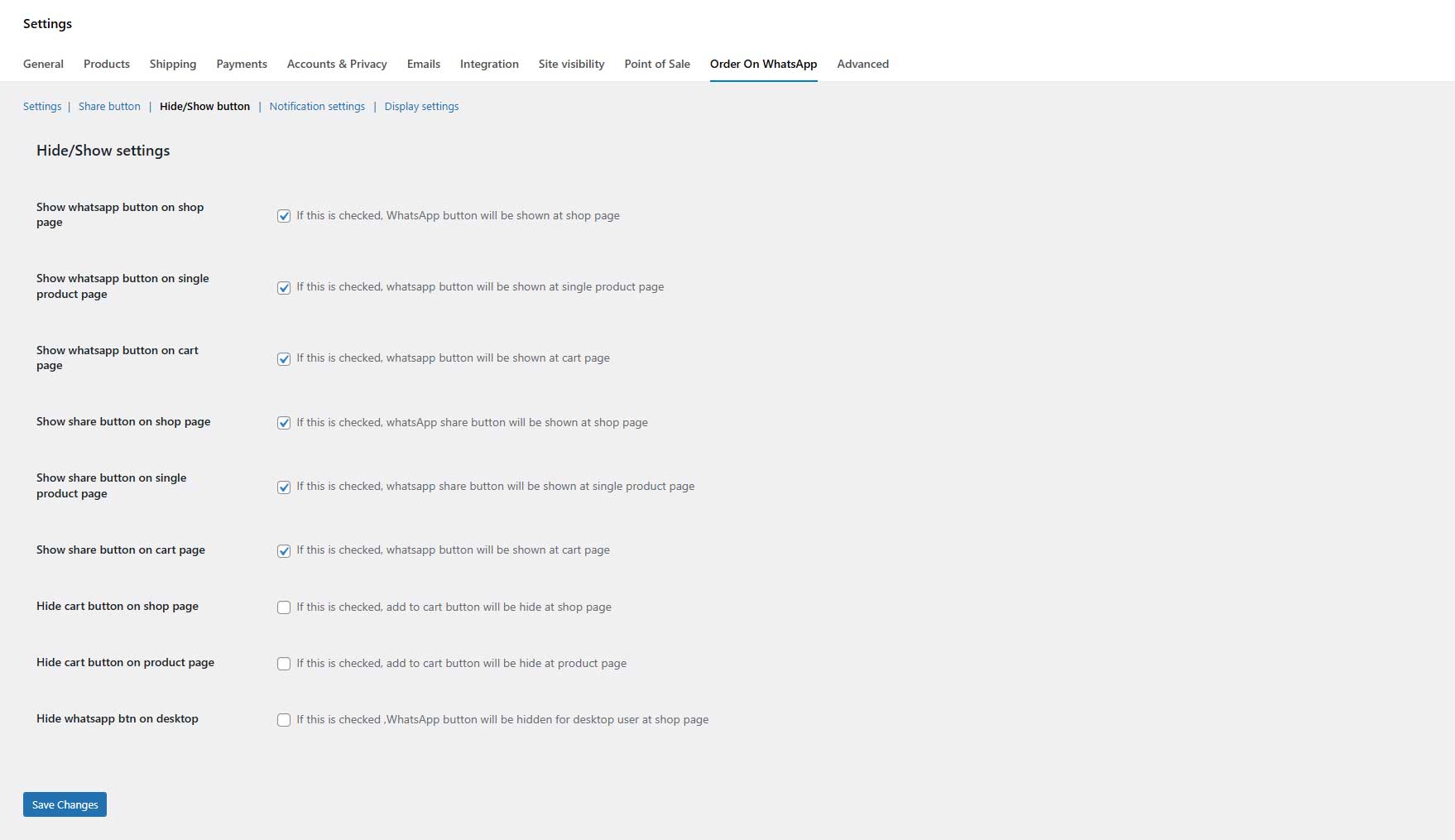
- Display the WhatsApp order and share buttons on the shop, product, and cart page
- Add the order on WhatsApp button for specific products or categories
- Customize order on WhatsApp and share button
- Prefilled messages for WhatsApp orders
- Supports variable products
- Enable the WhatsApp option on the checkout page
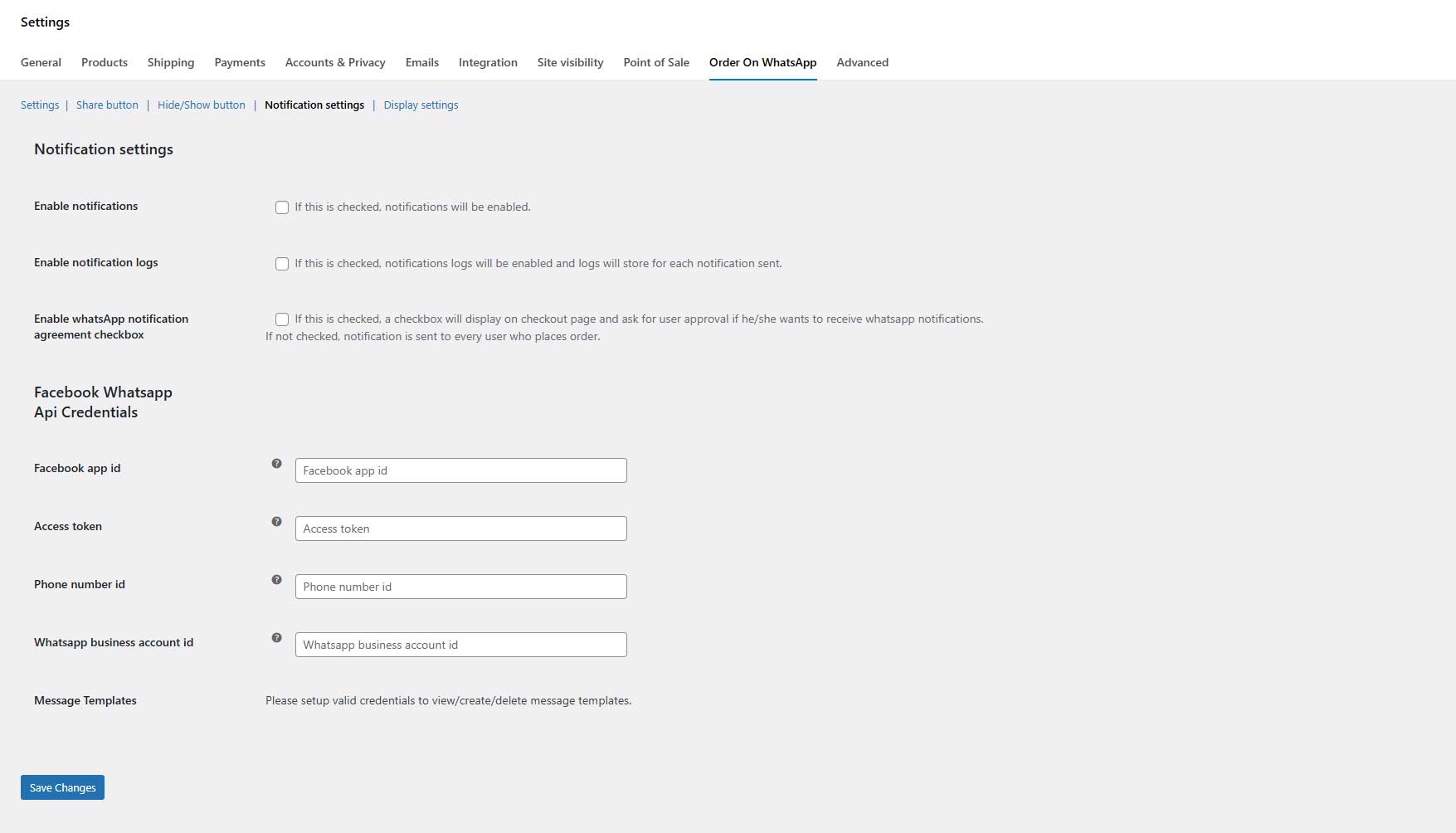
- Customers will receive a notification upon order confirmation
- Send notification to customers when order status is changed
- Option to hide Add to cart button on product & shop page
- Option to hide WhatsApp button on desktop
- Email notifications for WhatsApp order
Get the "FoodXpress" Food Menu & Ordering for WooCommerce Pro Now!
Yearly
Lifetime
Starter
$49
/ Lifetime
20+ Food Menu Styles support
Unlimited orders
Free Pickup & Delivery system
Easy payment system
No commission per order
Lifetime Support & Updates
14 Days Money Back Guarantee
Most popular
Master
$149
/ Lifetime
Unlimited Domains License
20+ Food Menu Styles support
Unlimited orders
Free Pickup & Delivery system
Easy payment system
No commission per order
Lifetime Support & Updates
14 day money-back guarantee
Professional
$99
/ Lifetime
5 Domains License
20+ Food Menu Styles support
Unlimited orders
Free Pickup & Delivery system
Easy payment system
No commission per order
20+ Food Menu Styles support
Lifetime Support & Updates
14 day money-back guarantee
Starter
$29
/ Yearly
1 Domain License
20+ Food Menu Styles support
Unlimited orders
Free Pickup & Delivery system
Easy payment system
No commission per order
1 Year Support & Updates
14 Days Money Back Guarantee
Most popular
Master
$99
/ Yearly
Unlimited Domains License
20+ Food Menu Styles support
Unlimited orders
Free Pickup & Delivery system
Easy payment system
No commission per order
1 Year Support & Updates
14 day money-back guarantee
Professional
$69
/ Yearly
5 Domains License
20+ Food Menu Styles support
Unlimited orders
Free Pickup & Delivery system
Easy payment system
No commission per order
1 Year Support & Updates
14 day money-back guarantee

Note: All prices are given in USD exclusive TAX/ VAT. TAX/ VAT will be charged depending on the destination country.

No Question Asked
14 days money back guarantee
We guarantee 100% satisfaction with our help & support service. However, if our theme still doesn’t meet your needs, we’ll happily refund 100% of your money within 14 days of your purchase. No questions will be asked.
Power up your restaurant with
reliable integrations you already use
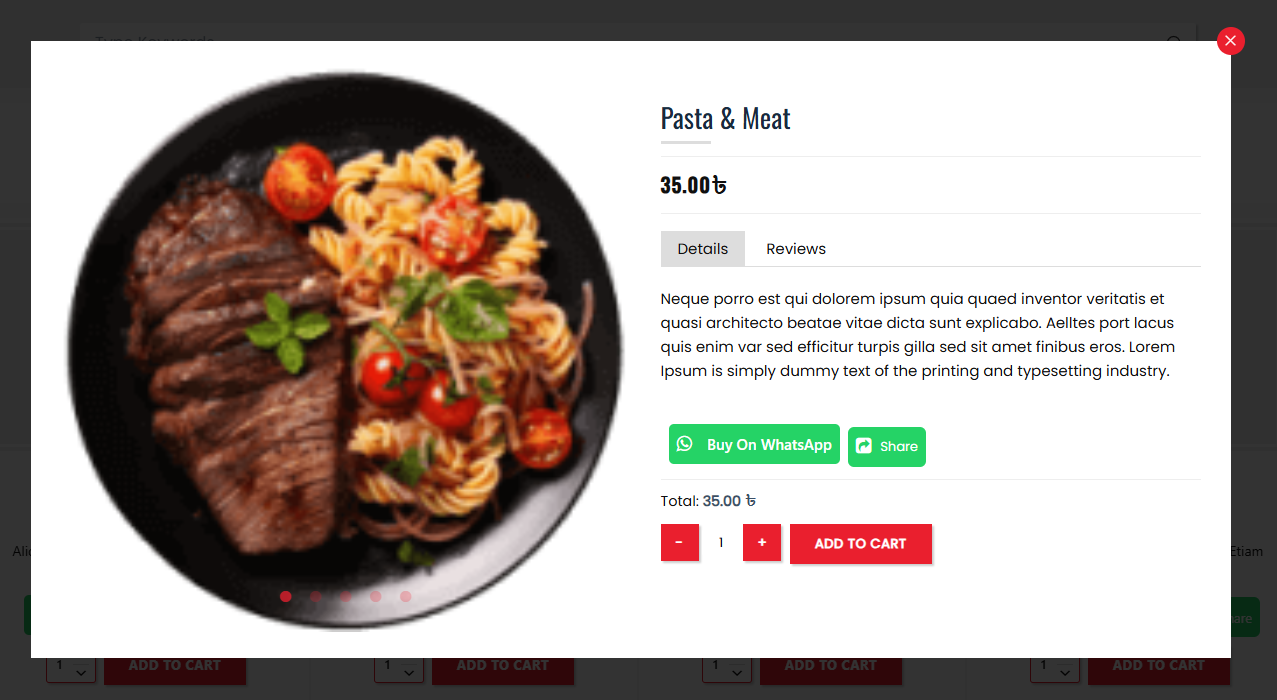
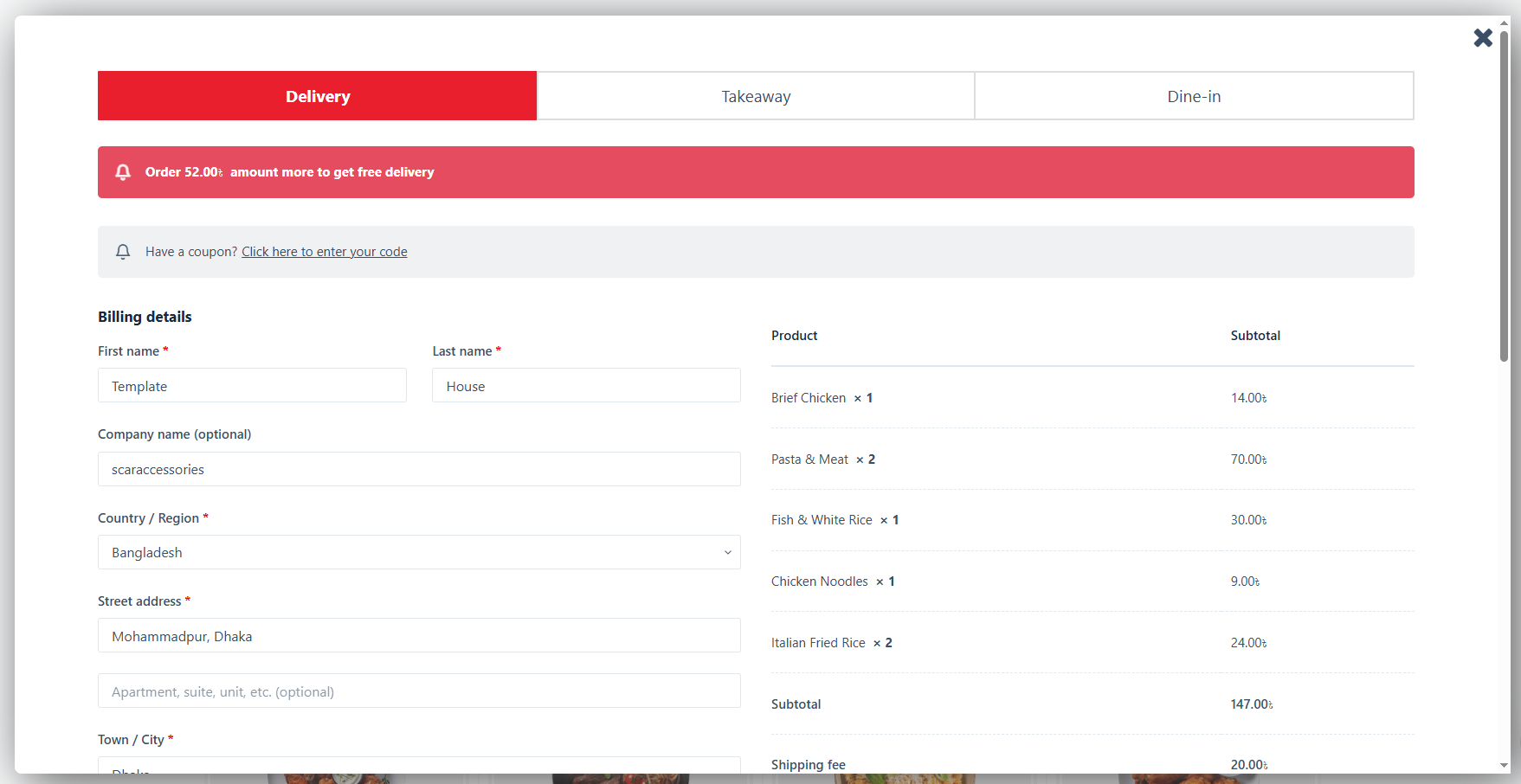
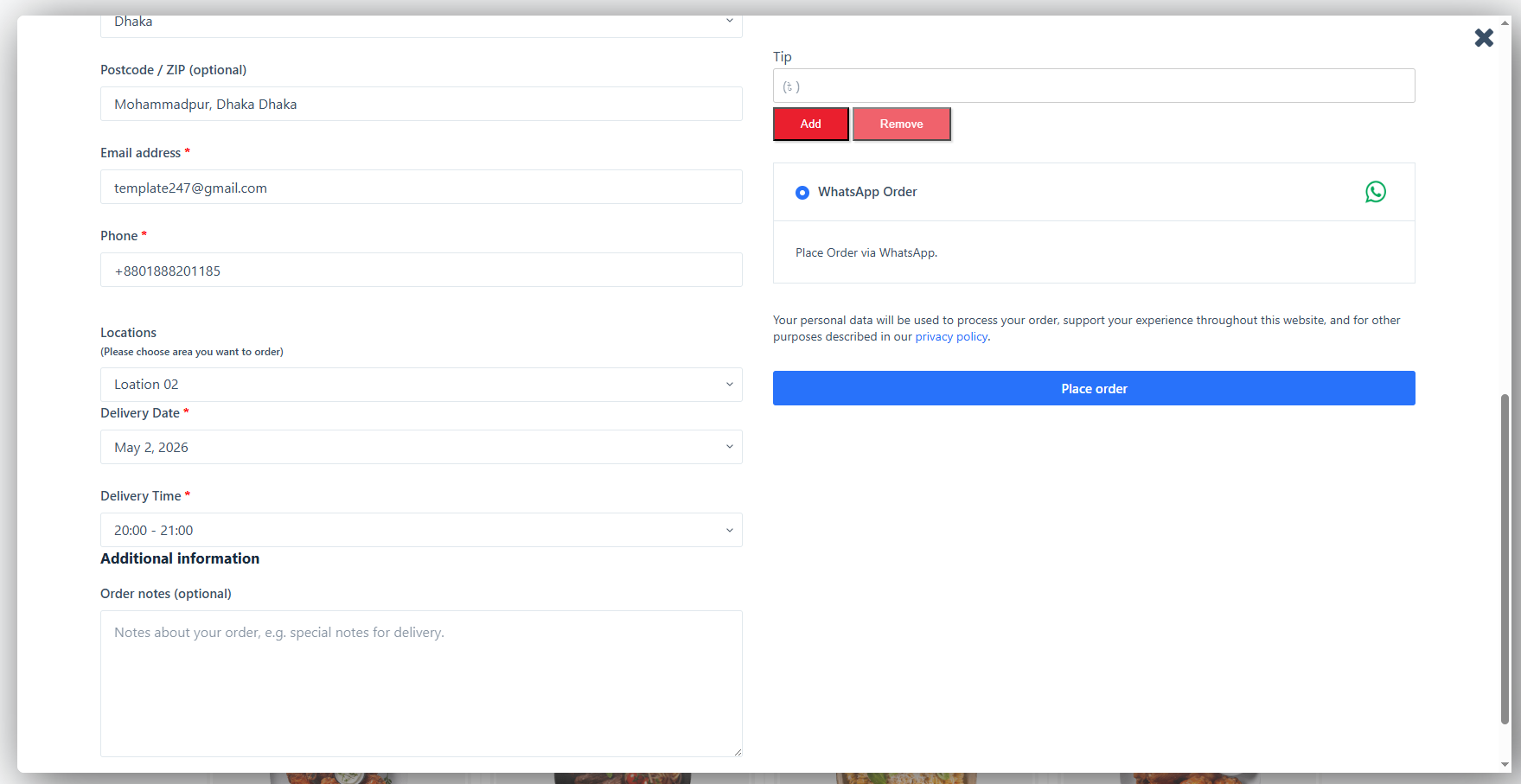
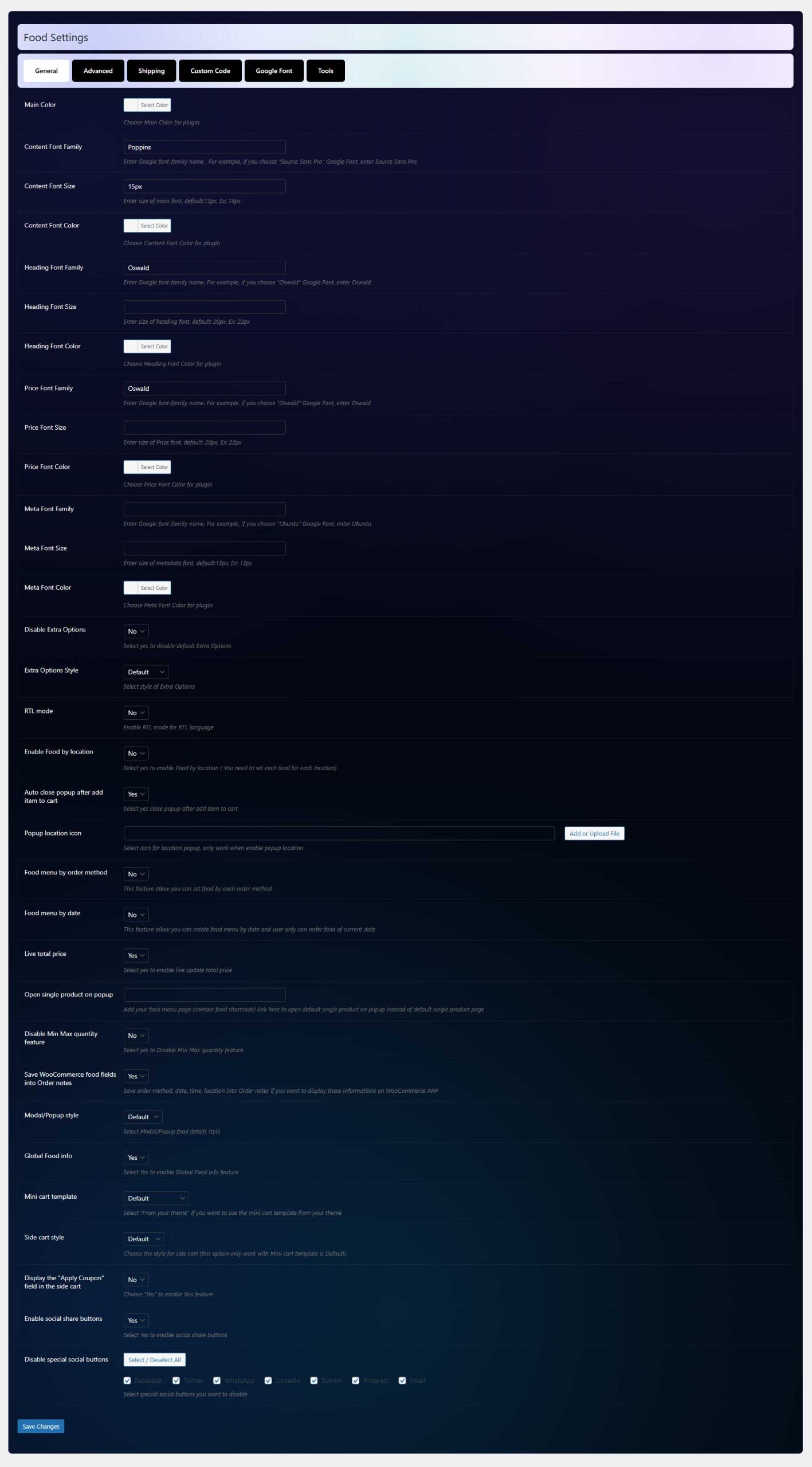
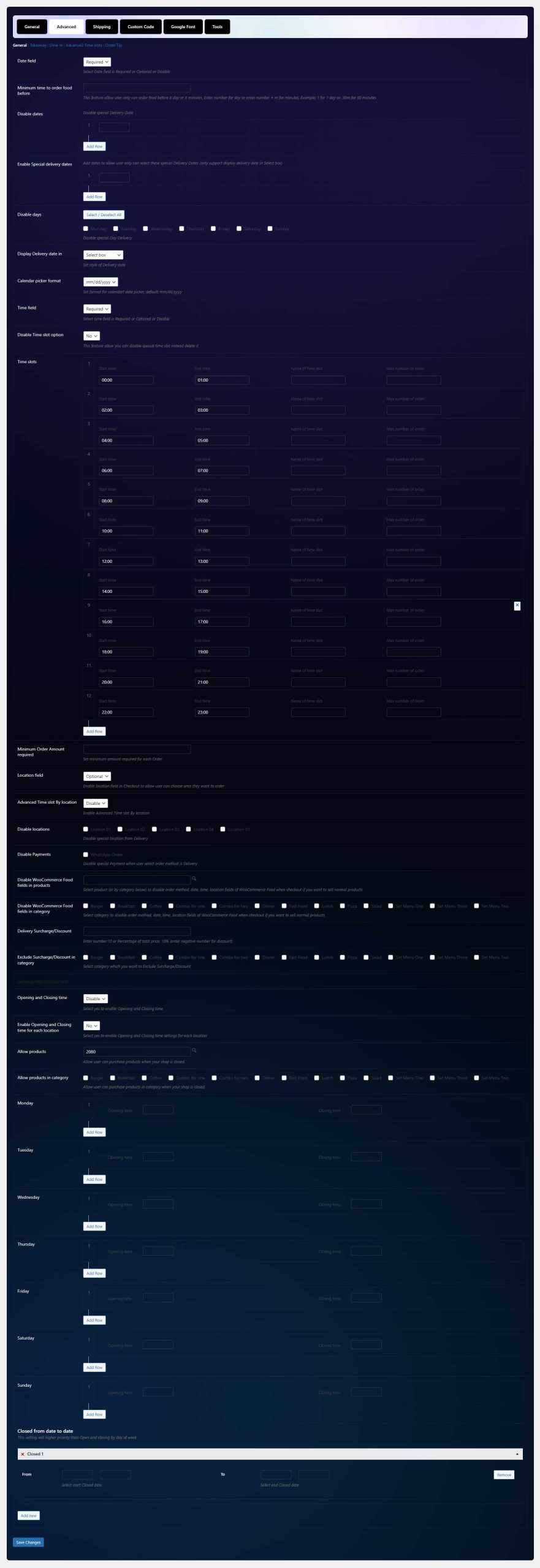
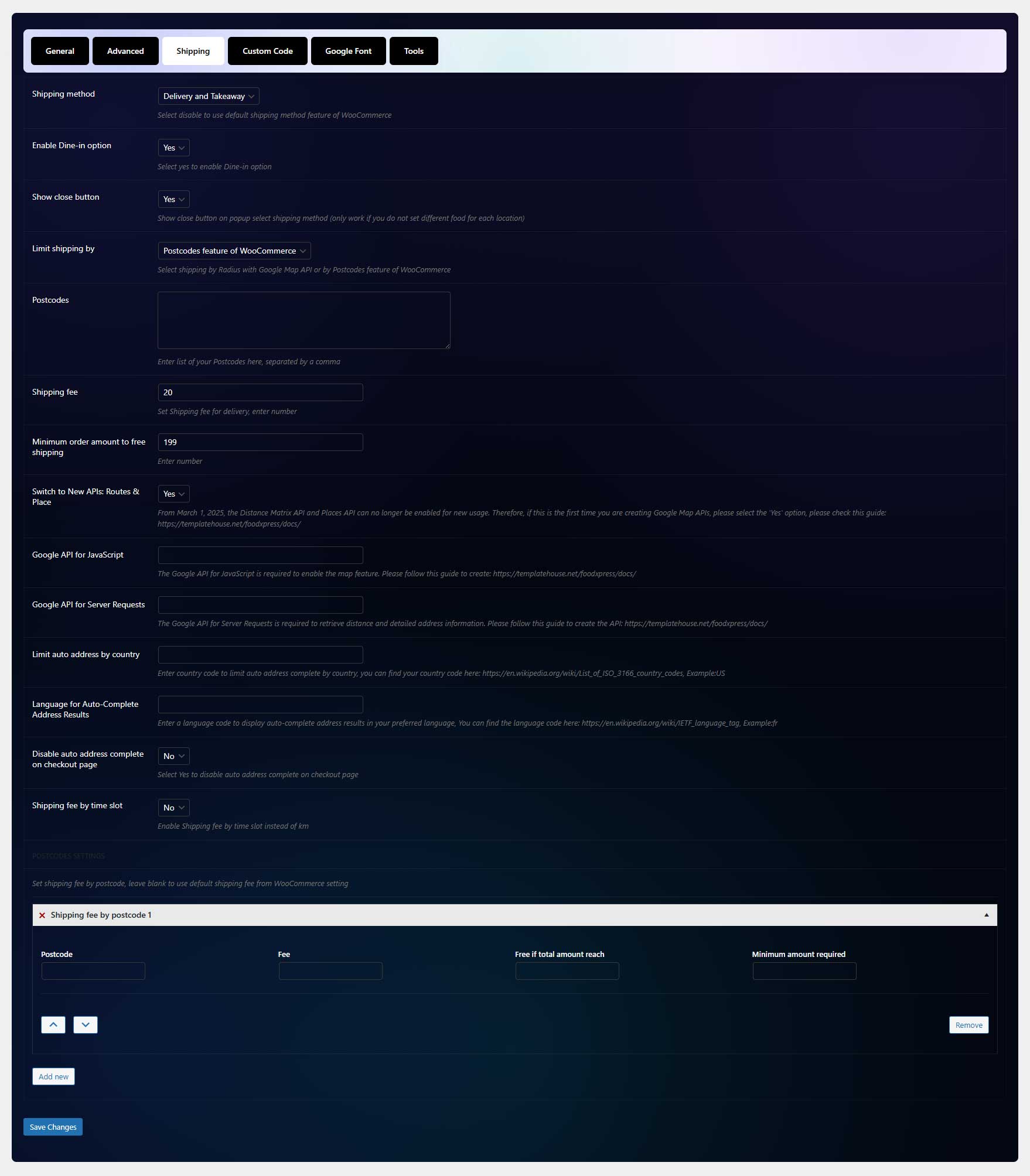
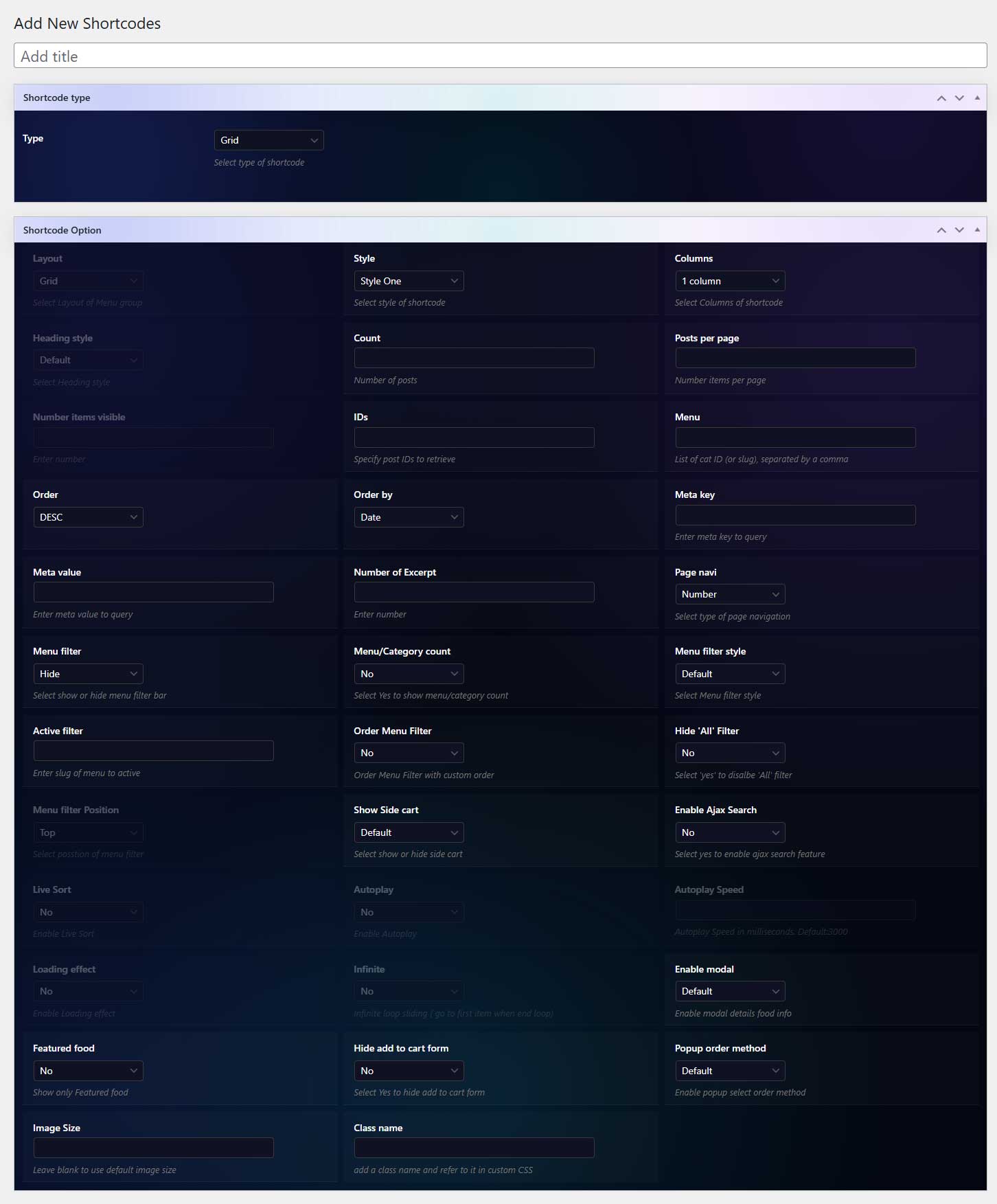
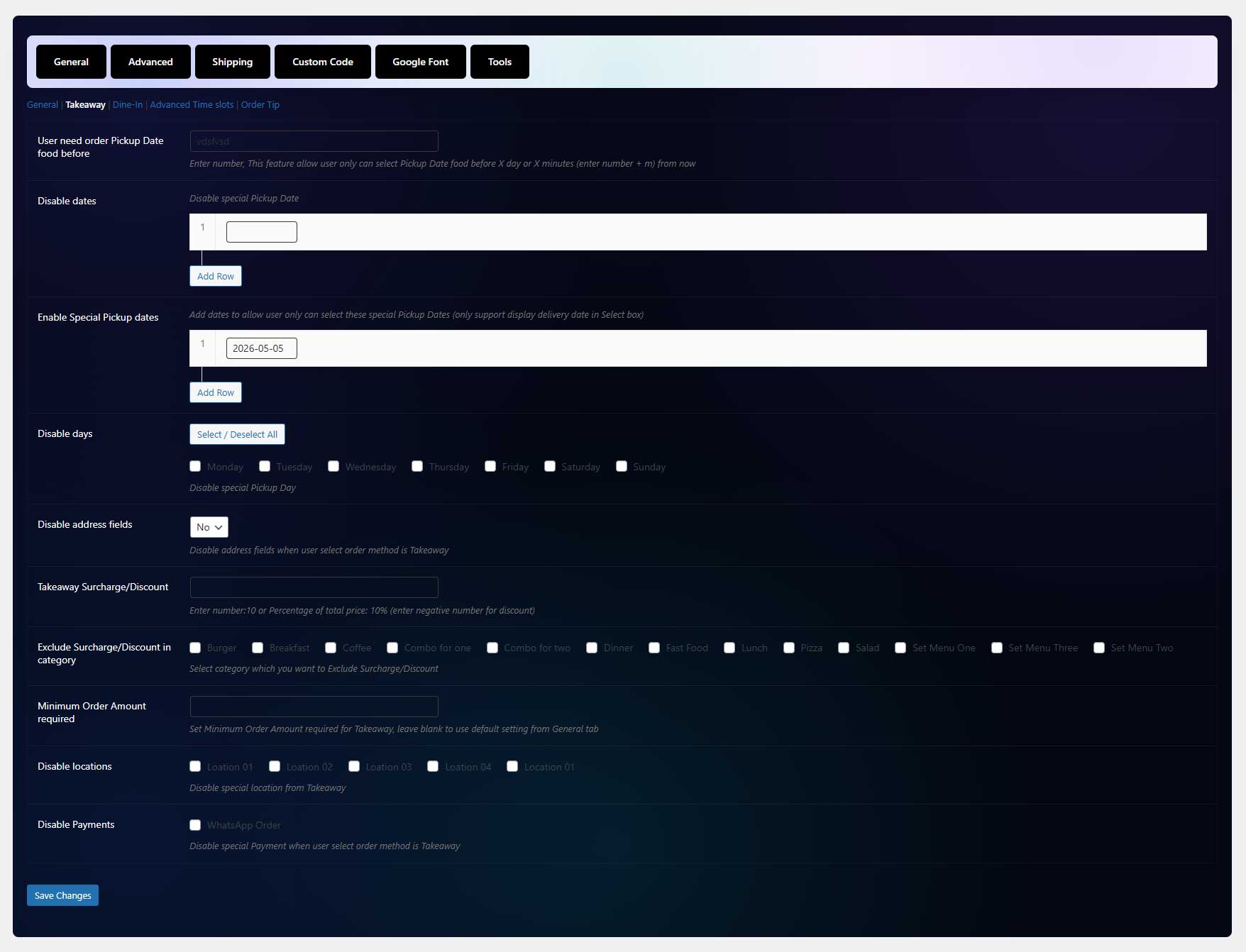
FoodXpress – Screenshots
Frequently asked questions
What are the benefits of upgrading to FoodXpress Pro?
FoodXpress Pro offers advanced features like customizable templates, multi-location support, analytics, and integrations with payment gateways.
Does FoodXpress offer a free version?
Yes, a free version of FoodXpress restaurant management plugin for WordPress is available with limited features compared to the Pro version.
What is included in the free version of FoodXpress?
The free version includes basic features like menu management, table reservations, and online ordering. For advanced features, upgrade to FoodXpress Pro.
Are there any hidden fees?
No, our pricing is 100% transparent with no hidden charges. You’ll only pay for the plan you choose, and all features included in that plan are clearly listed.
Can I switch plans later if my needs change?
Yes, you can upgrade or downgrade your plan at any time to match your business needs. Whether you’re expanding or scaling down, FoodXpress offers flexible options to support your growth.
What are the site plans for FoodXpress?
FoodXpress restaurant reservation plugin offers annual and lifetime site plans: Starter(1 site), professional (5 sites), and Master (Unlimited sites).
Can I request new features for FoodXpress?
Absolutely! We welcome feature requests on our roadmap and regularly update FoodXpress based on user feedback.
Which is the best pricing plan for FoodXpress?
FoodXpress offers multiple pricing plans. We recommend buying the premium pricing plan as it offers several features for multiple sites to manage multiple restaurants or client websites. However, the Agency plan is the best option for unlimited sites and offers the most flexibility.
What is the refund policy for FoodXpress?
FoodXpress offers a 15-day refund policy. If you’re not satisfied with the plugin, you can request a full refund within 14 days of purchase.
What payment methods does FoodXpress support?
FoodXpress restaurant menu management plugin supports various payment methods through WooCommerce integration.
Does FoodXpress charge commission or transaction fees?
No, FoodXpress does not charge commission fees on orders. You keep 100% of your revenue, with only payment gateway fees (if applicable) deducted.
Is VAT included in the pricing?
VAT is added for customers in regions where it applies. The final price for this WordPress plugin, including VAT, will be displayed at checkout.
Is FoodXpress compatible with my WordPress theme?
Yes, FoodXpress food ordering plugin is designed to work easily with most WordPress themes. If you encounter any issues, our support team is here to help.
Are updates included in the pricing?
Yes, all plans include access to regular updates and new features. This ensures your plugin stays up-to-date with the latest improvements and security patches.